


Latest News
Advanced Search Improvements Using Natural Language Query
// by digiKam Team
Natural Language Search in digiKam – GSoC 2026 Project by Srirupa Datta
We are excited to announce the successful integration of Natural Language Search in digiKam, developed by Srirupa Datta as part of the Google Summer of Code 2026 program. This new feature allows users to search their photo collections using plain English queries, making it easier than ever to find specific images without manually configuring filters.
What’s New?
With Natural Language Search, you can now type queries like:
digiKam 9.1.0 is released
// by digiKam Team
Dear digiKam fans and users,
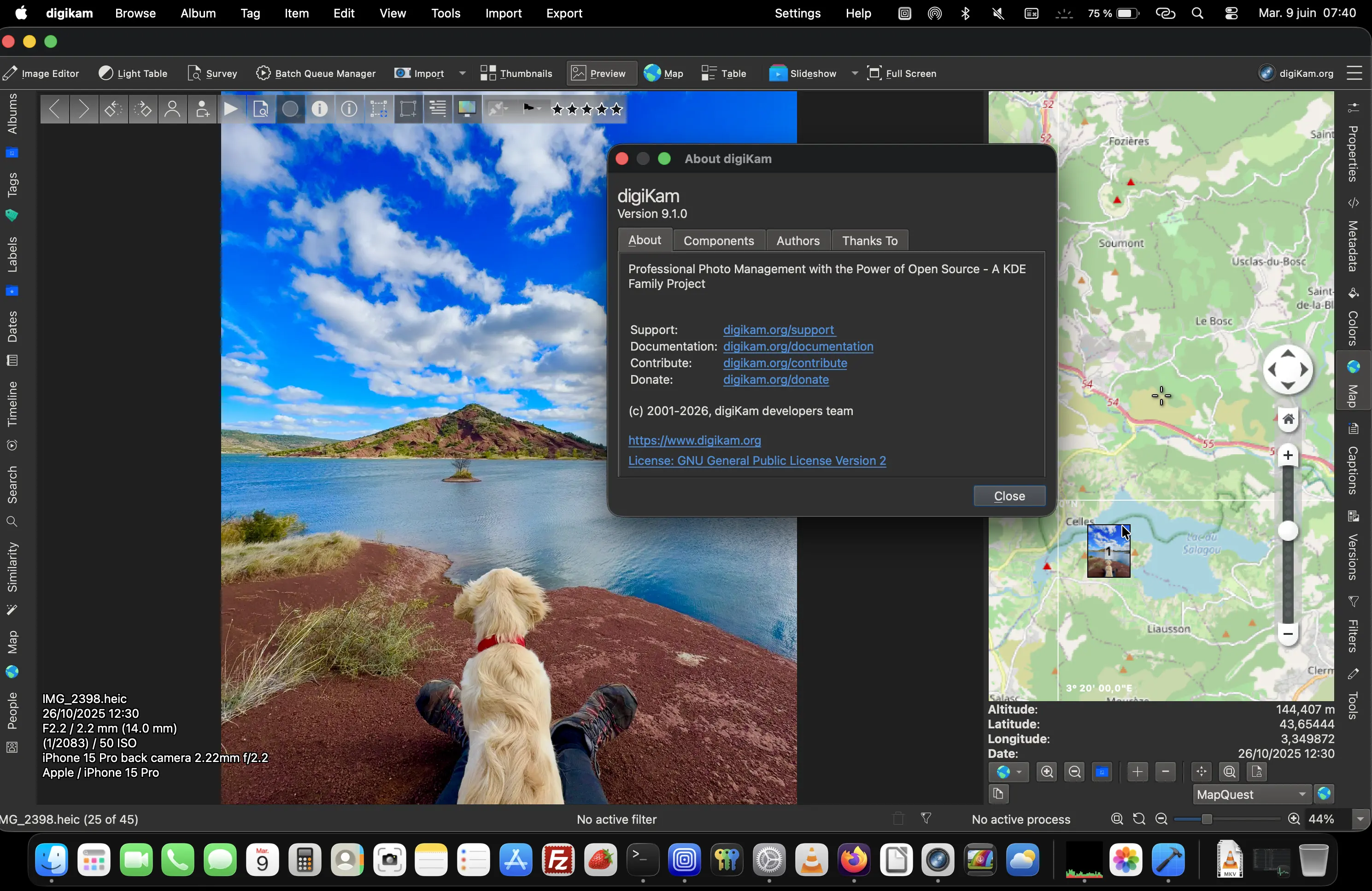
After three months of active development, bug triage, and feature integration, the digiKam team is proud to announce the stable release of digiKam 9.1.0. This version builds on the foundation of 9.0.0, introducing new features, performance improvements, and a significant number of bug fixes to enhance stability, usability, and workflow efficiency. This release focuses on database migration, preview enhancements, advanced search, and usability improvements across the board.