Latest News
Splashscreen contributions
// by digiKam Team
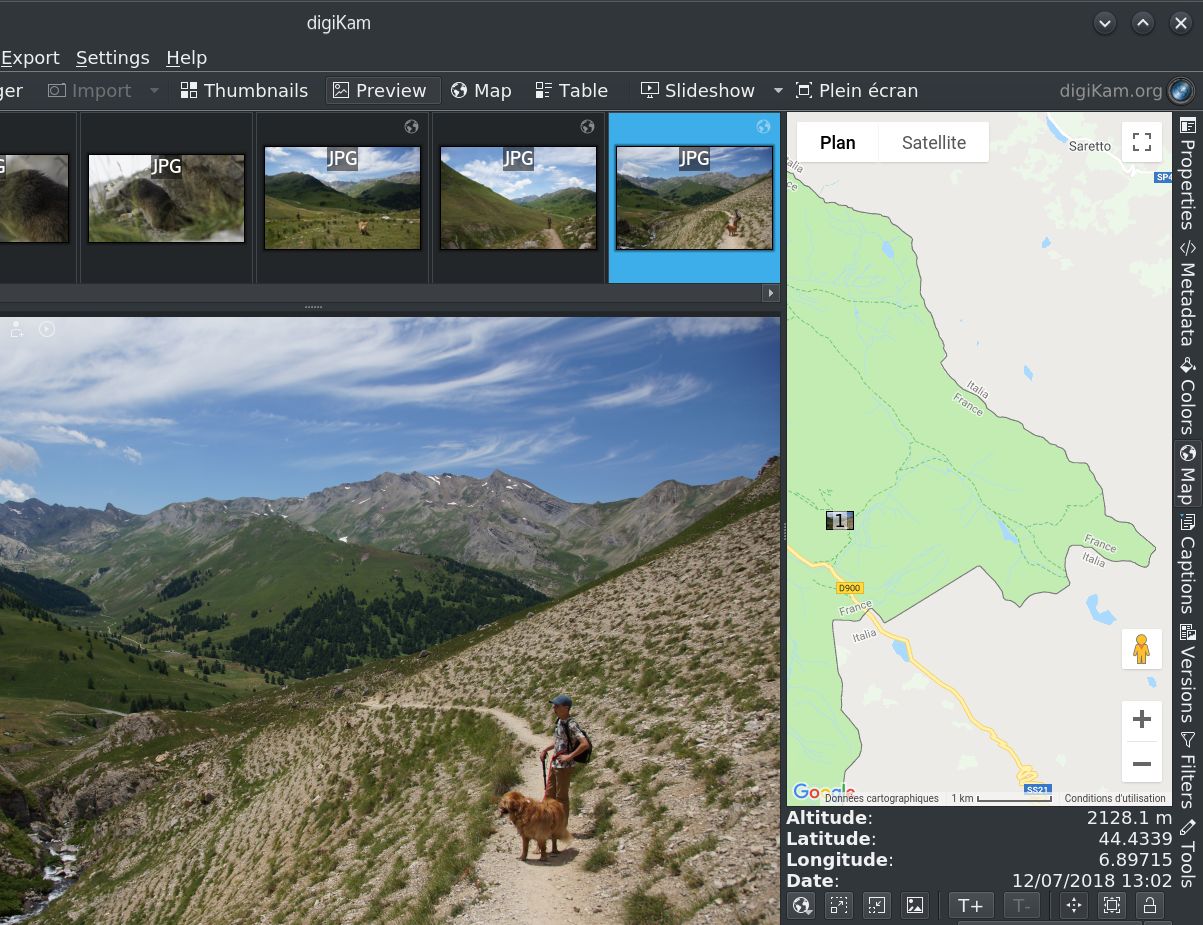
For the next digiKam releases, the digiKam team needs photographs for digiKam and Showfoto splash-screens. Proposing photo samples as splash-screens is a simple way for users to contribute to digiKam project. The pictures must be correctly exposed/composed, and the subject must be chosen from a real photographer’s inspiration. Note that we will add a horizontal frame to the bottom of the image as in the current splashes. If somebody wants to contribute with nice photographs, you can take a look at the previous selected items and follow the instructions to contribute to the dedicated page.
digiKam 8.3.0 is released
// by digiKam Team
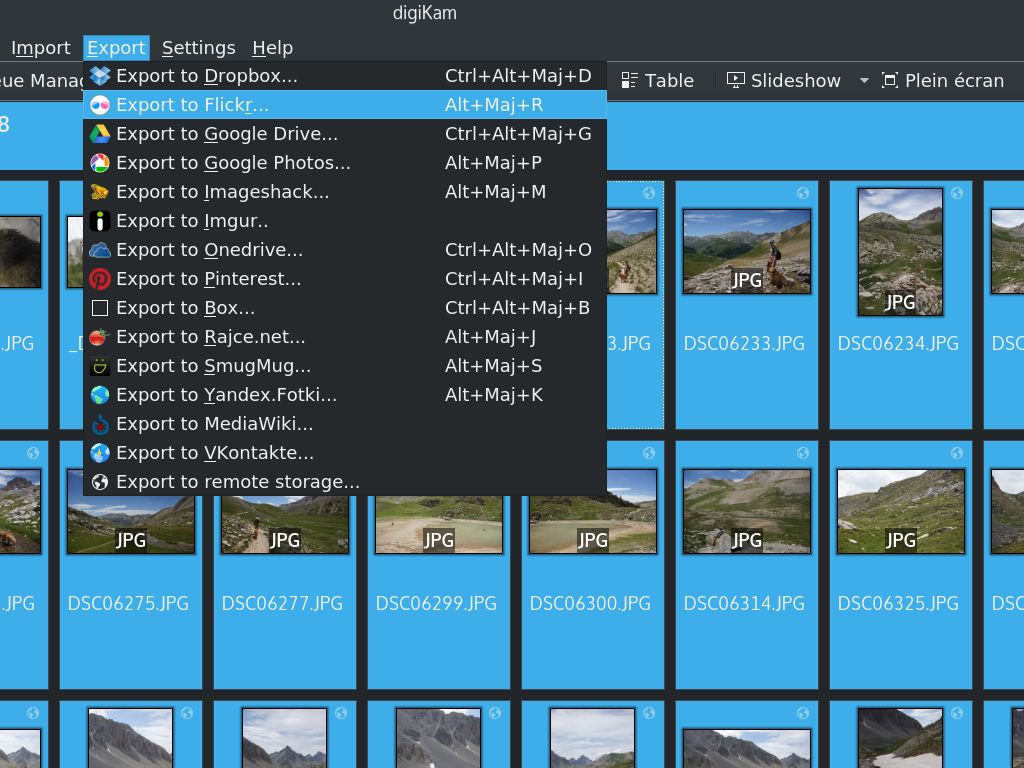
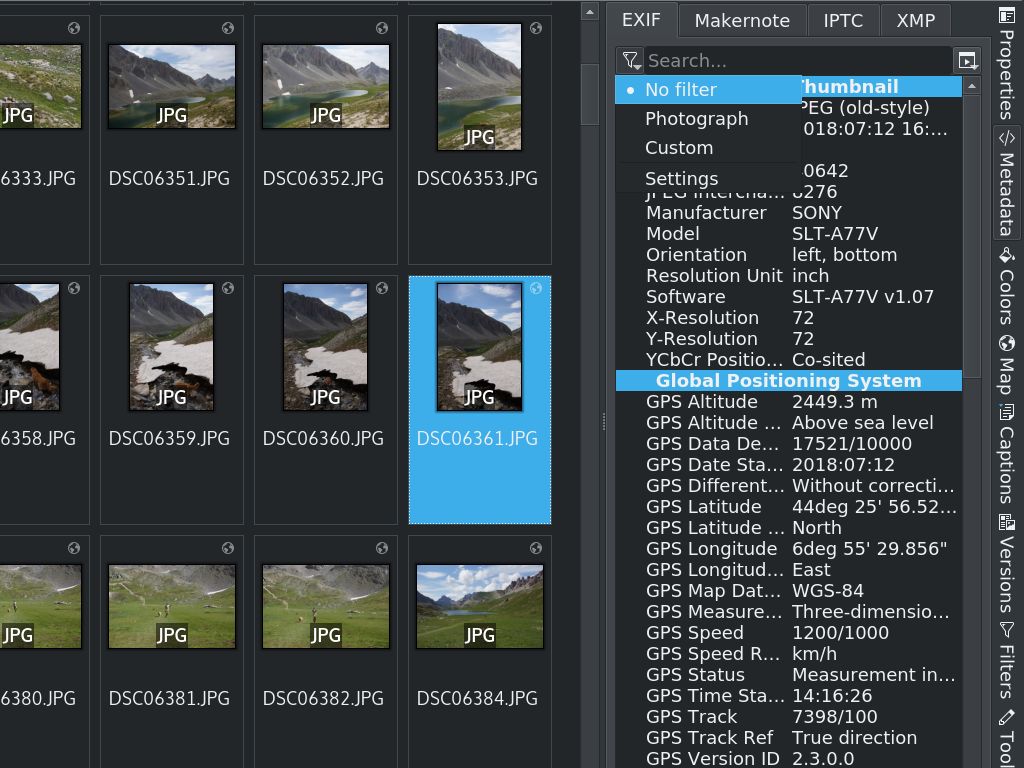
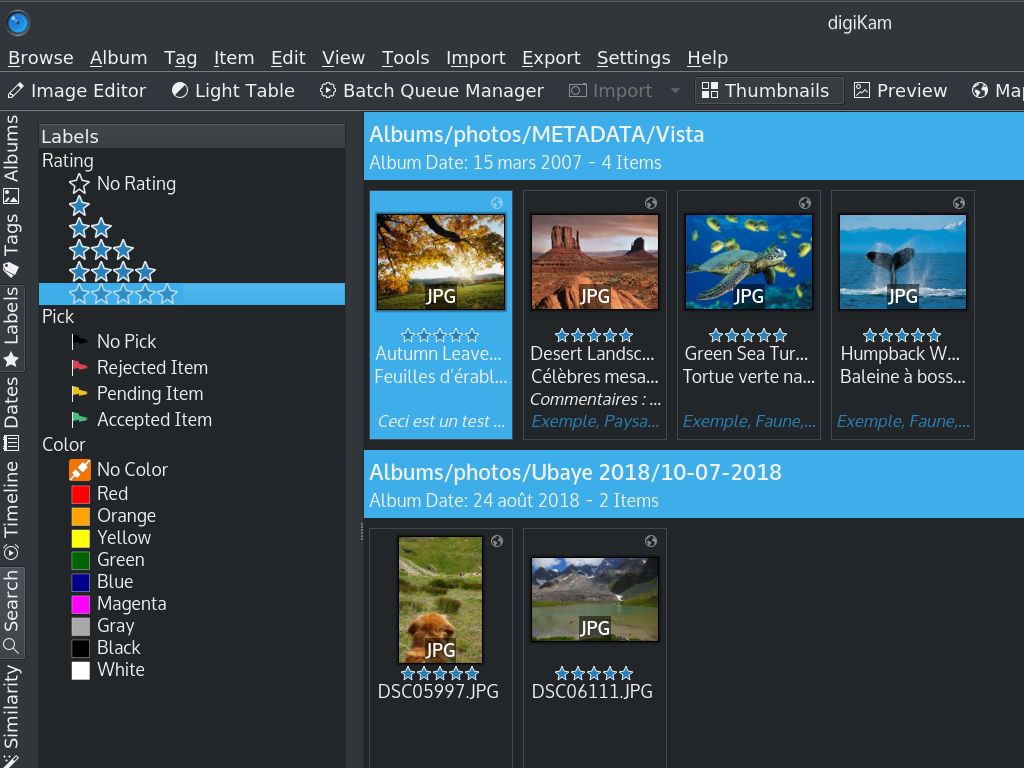
Dear digiKam fans and users, After four months of active maintenance and long bugs triage, the digiKam team is proud to present version 8.3.0 of its open source digital photo manager. This version arrives with the internal RAW decoder Libraw updated to the rolling-release snapshot 2024-02-02. Long time bugs present in older versions have been fixed and we spare a lot of time to contact users to validate changes in pre-release to confirm fixes before deploying the program in production.