digiKam 9.2.0 is released
Dear digiKam fans and users,
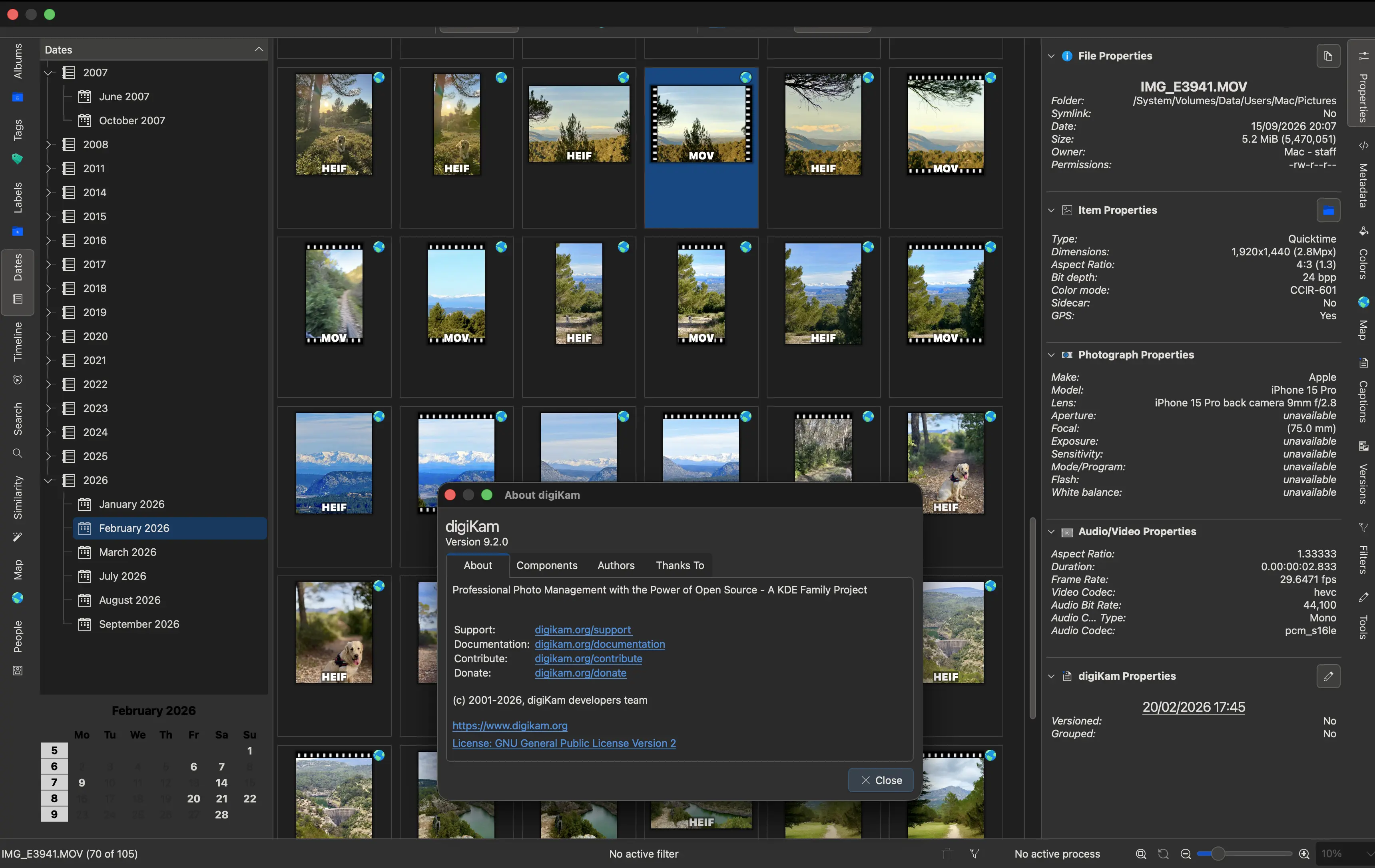
After five months of active development, bug triage, and feature integration, the digiKam team is proud to announce the stable release of digiKam 9.2.0. This version builds on the foundation of 9.1.0, introducing new features, performance improvements, and a significant number of bug fixes to enhance stability, usability, and workflow efficiency. This release focuses on natural language search, the new Immich webservice plugin, database improvements, and usability fixes across the board.
New Features and Major Changes
General Updates and Porting
digiKam 9.2.0 continues the transition to modern frameworks, with updates to Qt 6.11.2 and KDE Frameworks 6.28.0 for the AppImage, Windows, and macOS bundles. The Windows Qt6 installer now ensure better compatibility with Windows 11. The LibRaw engine has been updated to 20261030, bringing support for additional camera models and performance improvements.
The version 5 of the Qt framework is no more supported due to the End Of Life. No more Qt5 bundle will be published. The macOS Intel bundle has been ported to Qt6, so all the bundles now share the same modern foundation. The minimum requirement for both package is macOS 11.3.
The internal libpgf codec has been updated to the last 7.26.45 version. This codec is the one used to store the thumbnails in the database, thanks to its efficient wavelet compression, so this update benefits every digiKam installation.
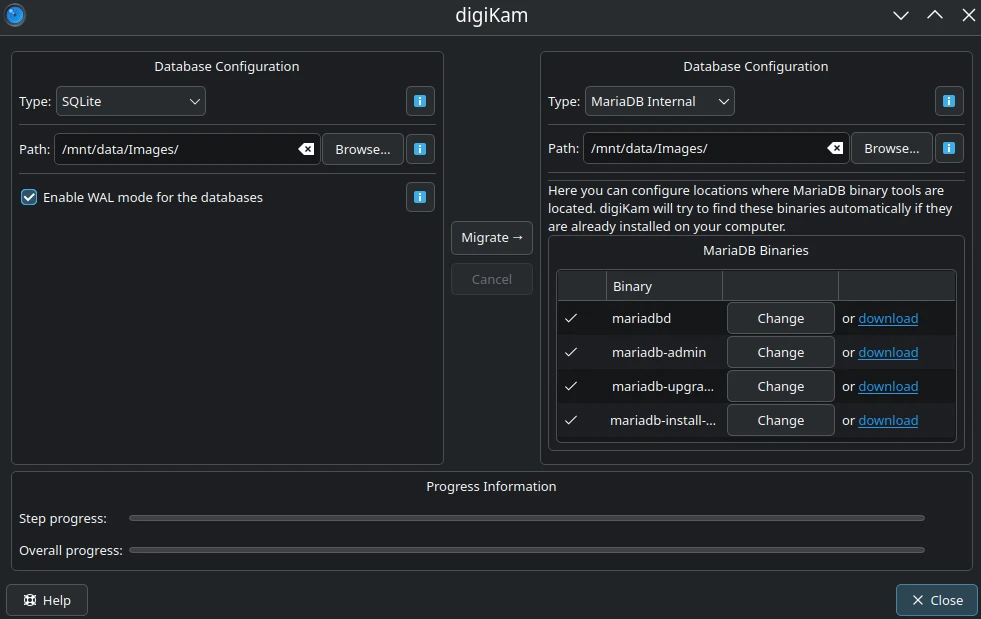
Also, MySQL support is dropped in favor of MariaDB. It’s highly recommended to migrate your database from MySQL to MariaDB. See the digiKam database documentation for the migration procedure and the MariaDB MySQL compatibility notes for details about the compatibility between both servers.
Bundles Component Versions
This release includes updates to several key components:
| Bundles | Qt Version | KDE Version | OpenCV Version | FFmpeg Version | HEIF Version | ExifTool Version | Exiv2 Version | LibRaw Version | Build Environment |
|---|---|---|---|---|---|---|---|---|---|
| Windows | 6.11.3 | 6.30.0 | 4.12 | 9.0.2 | 1.23.5 | 13.64 | 0.28.9 | 20261030 | Windows 11 + VCPKG |
| Linux AppImage | 6.11.2 | 6.28.0 | 4.14 | 9.0.1 | 1.23.3 | 13.64 | 0.28.9 | 20261030 | XUbuntu 22.04 |
| macOS Intel | 6.11.2 | 6.28.0 | 4.14 | 8.1.2 | 1.23.4 | 13.64 | 0.28.9 | 20261030 | Sequoia + Macports |
| macOS Silicon | 6.11.2 | 6.28.0 | 4.14 | 8.1.2 | 1.23.4 | 13.64 | 0.28.9 | 20261030 | Tathoe + Macports |
Advanced Search Powered with Natural Language Search
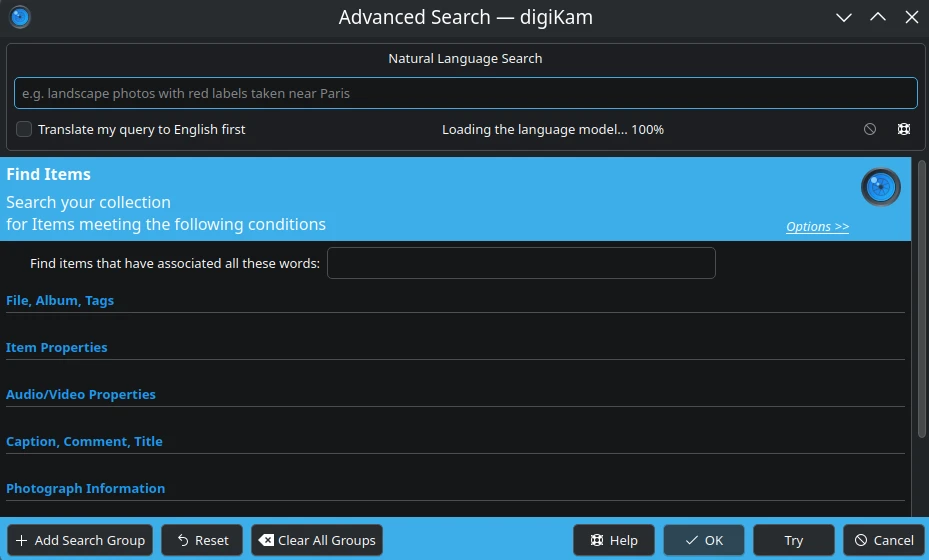
digiKam 9.2.0 adds Natural Language Search, built by Srirupa Datta during Google Summer of Code 2026.
digiKam’s Advanced Search is powerful, but it asks a lot of you: fill in fields, pick the right operators, and stack rule groups by hand. If all you want is “the beach photos from last summer,” that is a lot of clicking before you get there.
Natural Language Search takes that work off your hands. You type what you want in plain words, and digiKam builds the search for you.
Try things like:
- “photos from Paris rated 5 stars”
- “landscape photos with red labels taken last summer”
- “videos longer than five minutes”
digiKam reads the request, turns it into the same advanced-search rules you would set up yourself, and runs it.
How to use it
You can reach it in two places:
- In the Search tab of the left sidebar, type your request and press Interpret. digiKam shows how it read the request and lets you run it or open it in the Advanced Search dialog.
- In the Advanced Search dialog, type your request in the same field and the rule groups fill in on their own.
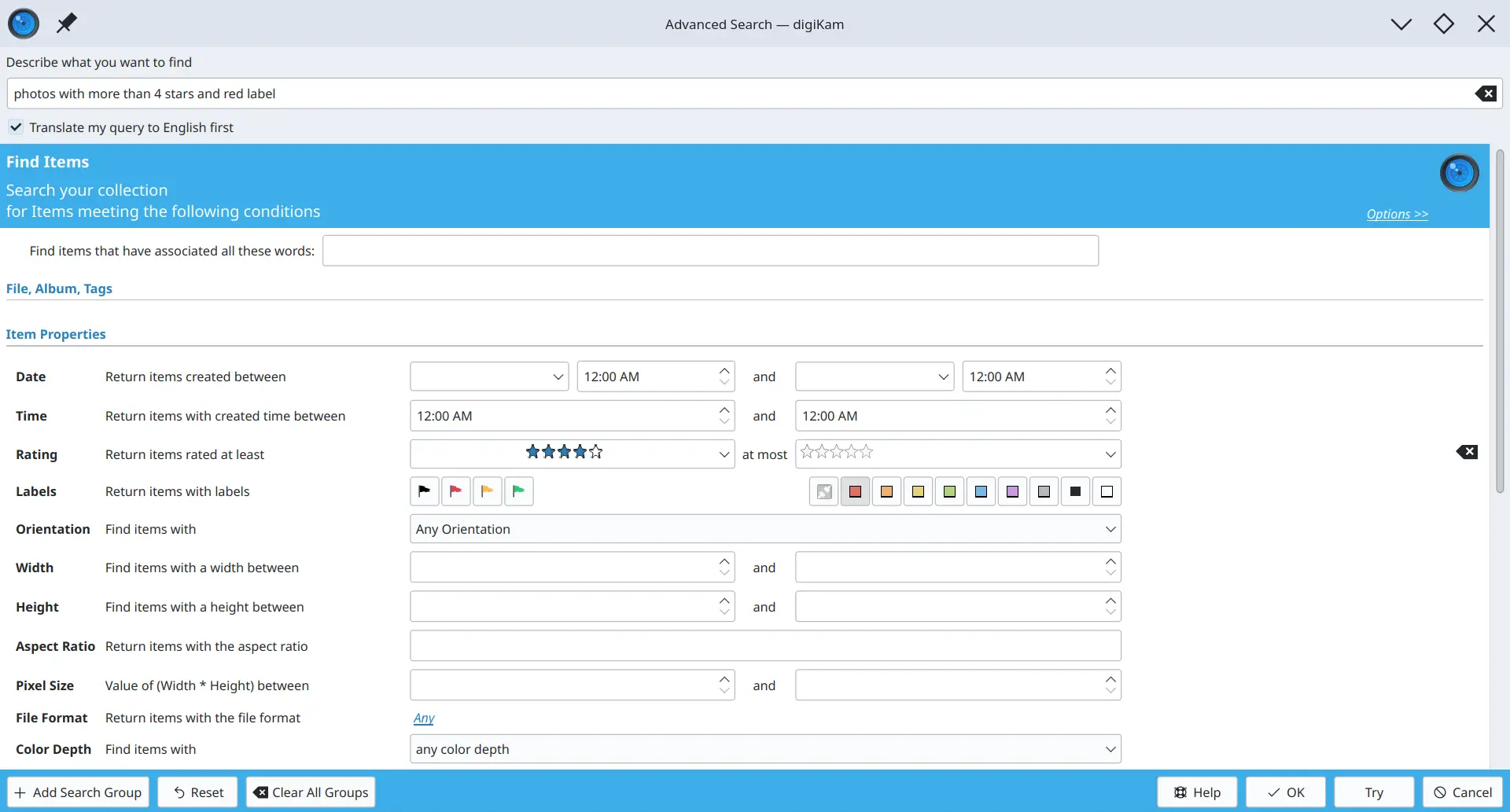
The result is a normal advanced search, so you keep full control over it.
The feature supports tags, people, albums, ratings, labels, orientation, places, dates, captions, video properties (duration, frame rate, bitrate), and file formats, closing several long-standing wishes for text-based and SQL-like search in the process.
Runs on your machine
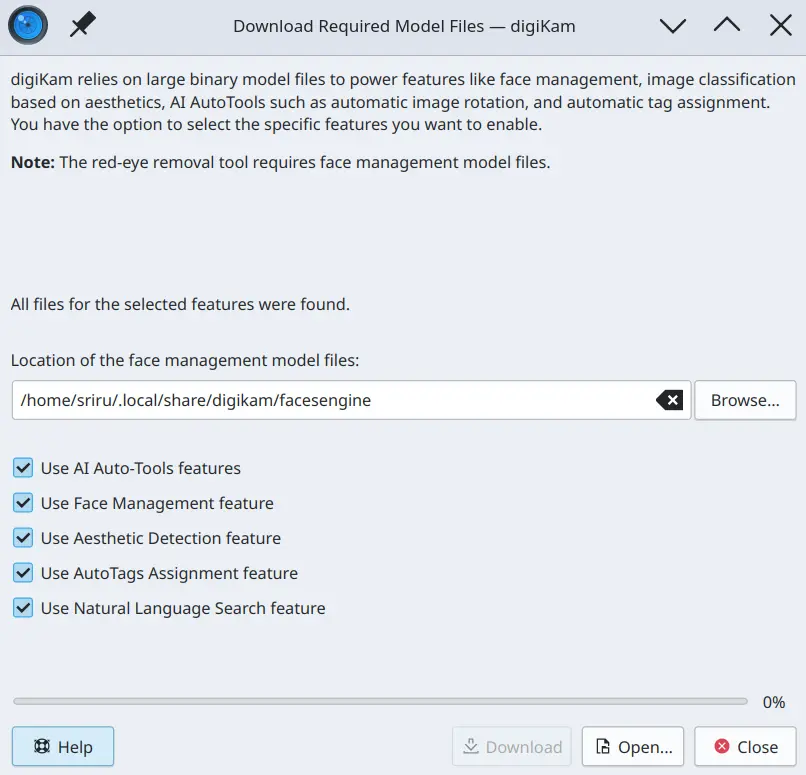
The reading is done by a small language model that runs on your own computer through llama.cpp backend. Your photos and your searches never leave your machine, and once the model is downloaded you don’t need the internet.
You can also write in your own language, like Spanish, French, German, and others, and digiKam handles the translation for you.
Natural Language Search is optional. It can be turned on or off when digiKam is built, and the model is only offered for download when the feature is there.
Read more
The full story, with the design choices and benchmarks behind the feature, is on Srirupa’s blog and in the project report:
- First Blog Post for GSoC'26 (28 Jun 2026)
- Second Blog Post for GSoC'26 (14 Jul 2026)
- Third Blog Post for GSoC'26 (17 Aug 2026)
- Final report (22 Aug 2026)
Immich Webservice Plugin
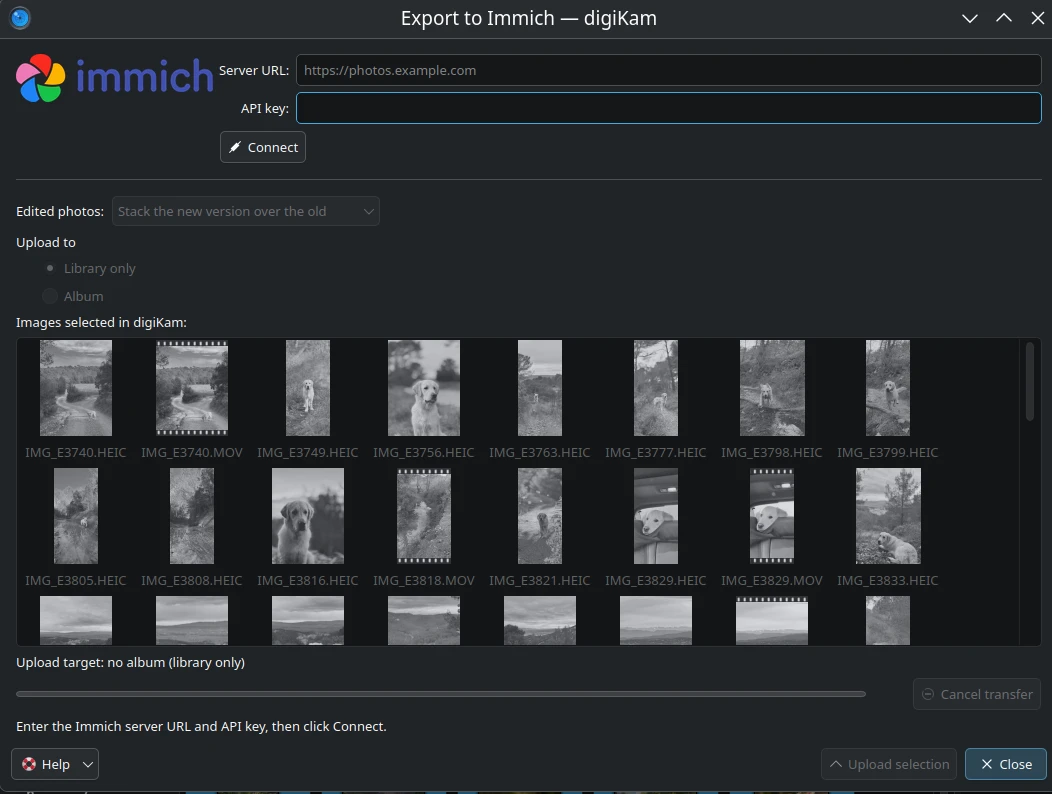
digiKam 9.2.0 introduces a new Immich plugin, one of the most requested webservice integrations of the last years. Immich is a self-hosted, high-performance photo and video management solution: it provides a web interface and mobile applications to browse, back up, and share your personal media directly from your own server, making it a great companion to digiKam for remote access to your collection. You can now export and import items with a self-hosted Immich server directly from the export tools, using the same workflow as the other remote webservice plugins.
Preview and Media Improvements
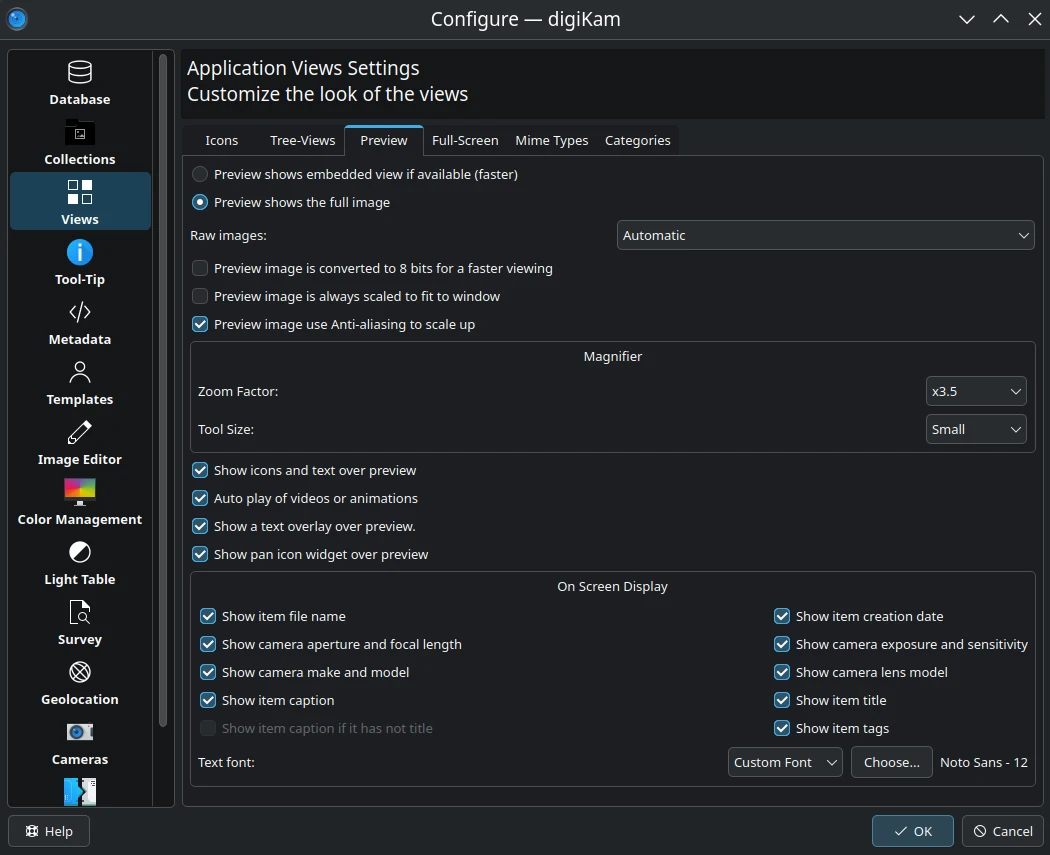
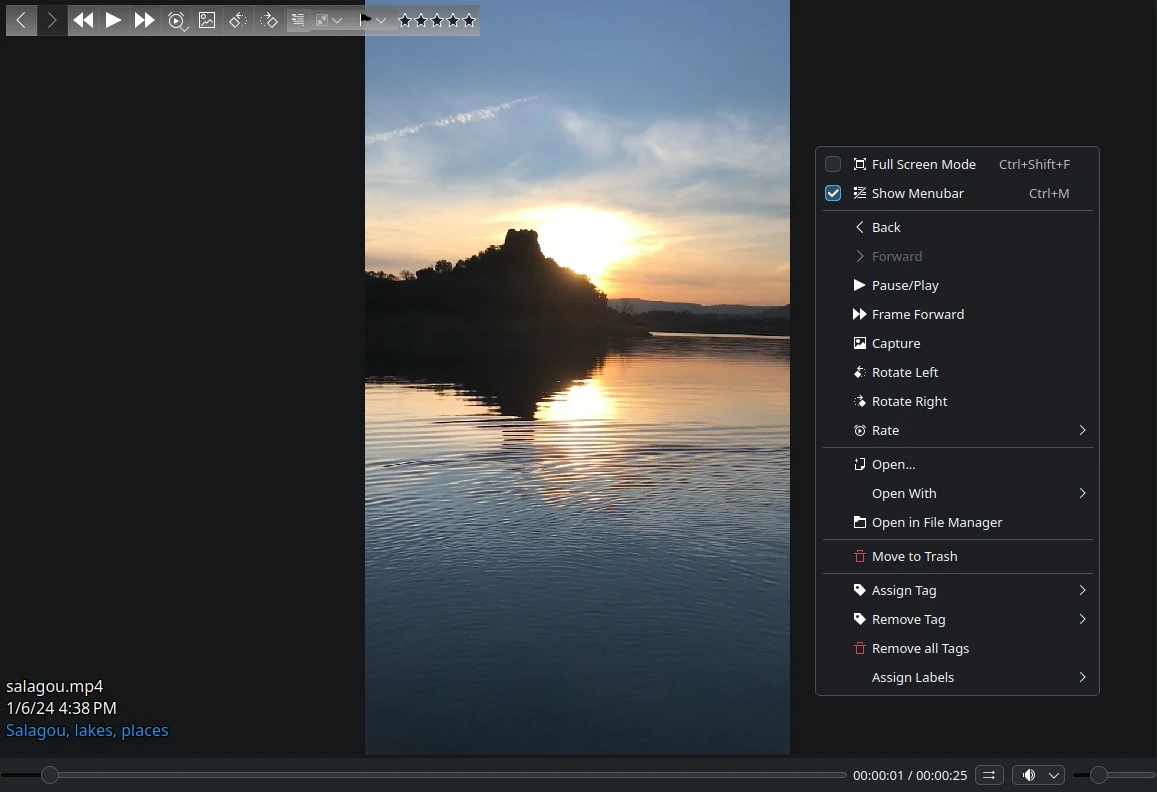
- A configurable Play/Pause Video shortcut has been added to the preview mode.
- A configurable pan navigator has been added to the preview mode.
- The Icon-View now improves filename matching for timelapse/burst grouping items.
- Xiaomi HyperOS Micro-Video motion photos are now supported.
Tags and Workflow Improvements
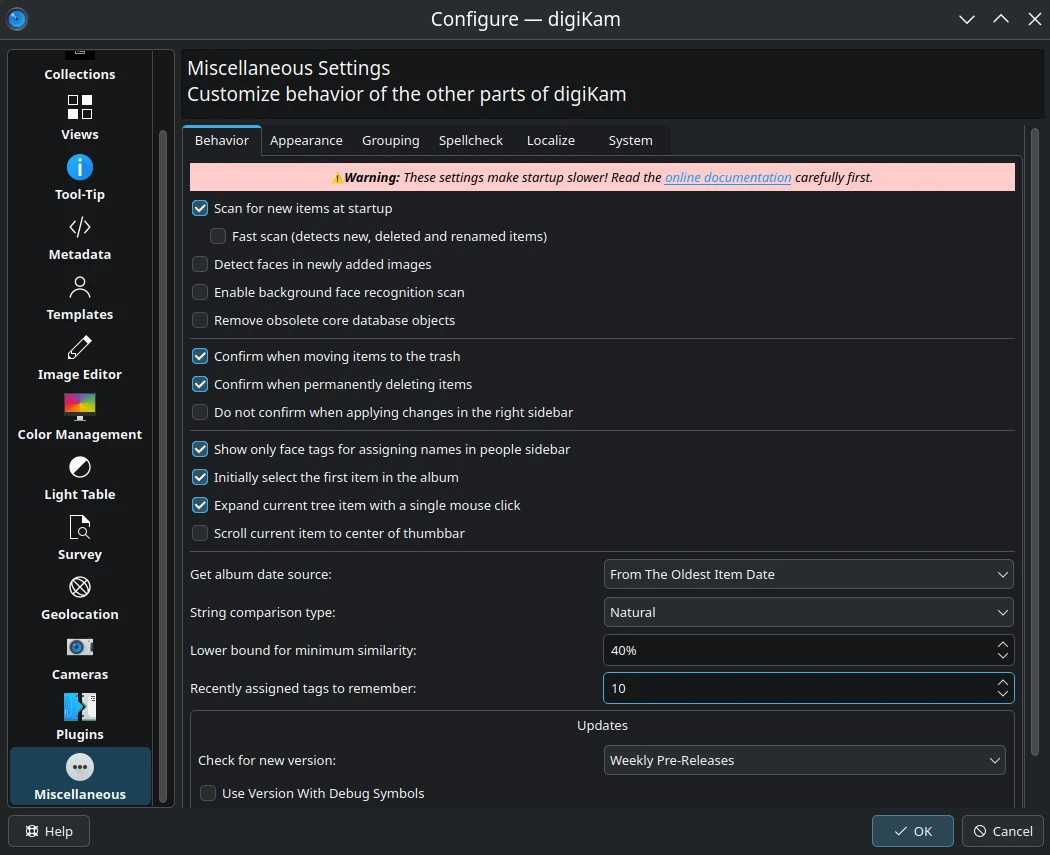
- A new option lets you configure the number of recent tags proposed as history in the tag assignment workflow.
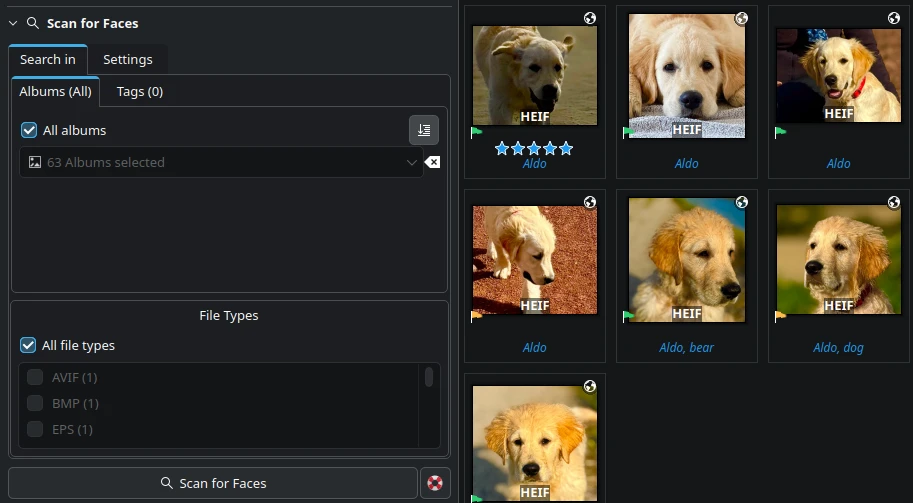
- A new file type filter option has been added to the “Search in” tab of the face scan panel.
Raw Image Support
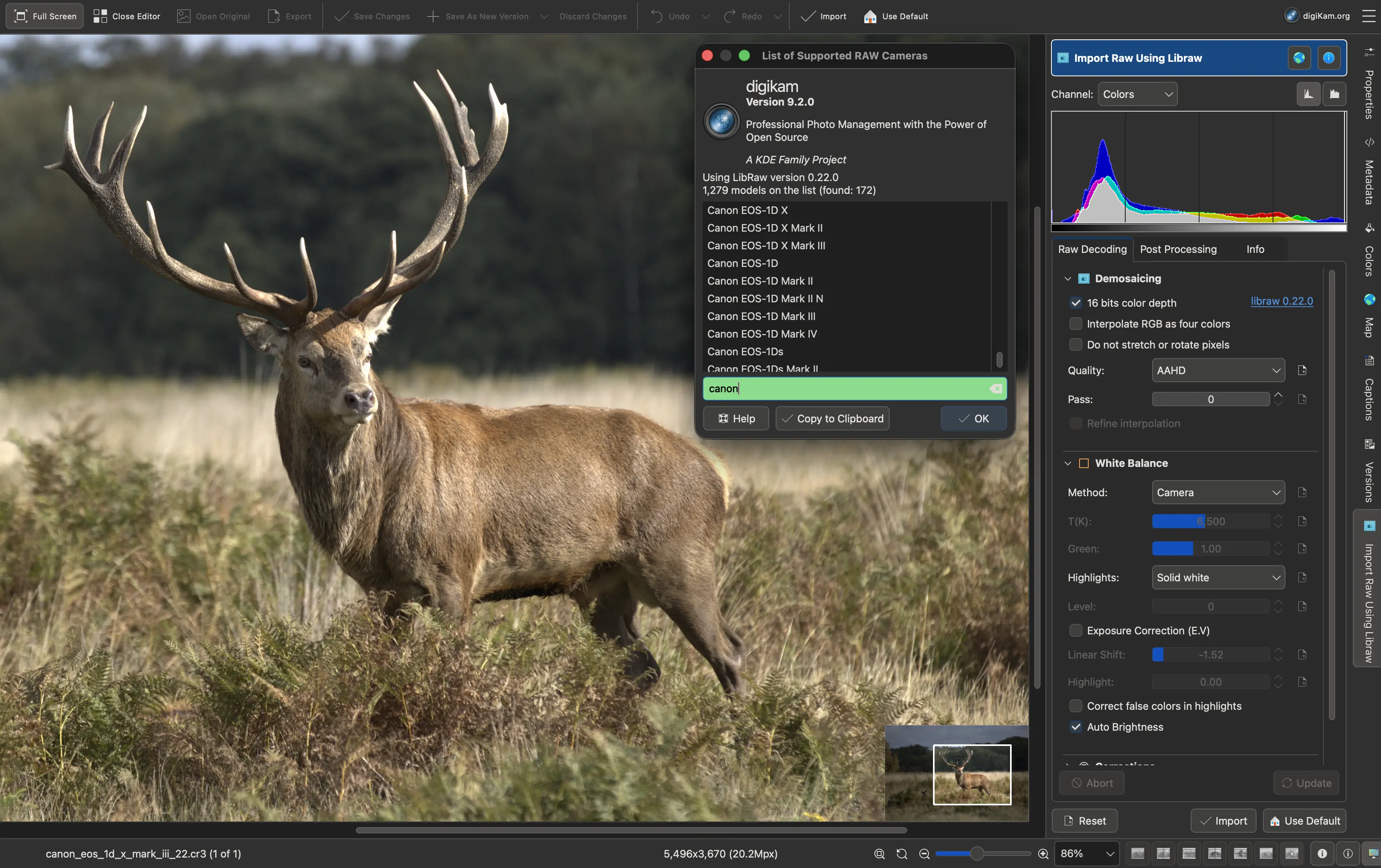
The LibRaw engine update brings support for new camera models: Sony ARW6 CRAW HQ, the Sony ILCE-7M5, and the Canon R50 V.
Notable Bug Fixes
Database and Migration
- 522204: Core MySQL database schema update to V17 failed using AppImage 9.1.0.
- 526935: Cannot launch digiKam: insufficient privileges on the database (CREATE TABLE not assigned).
- 511758: digiKam is almost unusable when MySQL is not connected over LAN.
- 526233: TLS/SSL error: SSL is required, but the server does not support it.
- 521428: “Find new items” progress bar and percentage do not update during scan (stuck at 0% until 100%).
- 522968: Missing folders.
- 522944: Detect new files without refreshing thumbnails.
- 525159: Automatically refresh when files are moved, added or deleted externally.
- 526542: The application does not update the list of albums and pictures when new items are added on the file system.
- 524383: Fingerprint maintenance stuck at 0% for hours on large collections (O(N²) due to QList::contains() per item in calculateAffectedAlbums()).
- 528344: Teardown can hang on a just-started DB job thread cancelled by the drain.
- 528171: Two instances show different views.
- 523446: Dates lost.
Face Recognition and AI Tools
- 522716: OpenCV 5 exception while processing face recognition.
- 522887: Face recognition tool no more working with the latest OpenCV version 5.0 and later.
- 522695: Face management workflow “Scan new images” incorrectly scans the entire photo collection.
- 523371: ImageTagProperties table does not get cleared in “Reset and clear all faces and training”.
- 522770: Face tag not read from .xmp sidecar for JXL files.
- 518288: Confirming faces never ends.
- 525972: Images in the “Unconfirmed” and “Unknown” categories cannot be edited.
- 528523: Crash when clicking “Scan for Faces” button in the people search tab.
- 523055: Test GPU AI Compatibility fails instantly with OpenCLDNN error (Windows, NVIDIA RTX 3080 Ti).
- 522801: Add hardware compatibility with Intel NPUs for running image processing models such as YOLO.
- 511487: No hardware acceleration with NVIDIA RTX Pro 1000 Blackwell GPU.
Search and Survey Tools
- 521193: Survey tool shortcuts do not toggle labels with keyboard shortcuts.
- 518911: digiKam terminates abnormally with signal 6/ABRT.
- 527340: The new Survey window loses focus after an image delete operation.
- 514721: digiKam tends to crash with no error message on the first attempt at a duplication search on a folder with a larger number of images, but not on post-restart attempts.
- 524000: digiKam crashes when finding duplicates or building fingerprints.
- 523455: Delete duplicates button stays greyed out in the duplicates tool.
- 522889: Pick Label “None” filter and Advanced Search return drastically different counts for the same criterion.
- 436975: Advanced search: right sidebar metadata tab is disabled.
- 428545: Writing SQL query in Advanced Search, or access to all fields of the database.
- 473731: User input SQL statement to search.
- 497938: Text-based image search.
- 367700: It should be possible to search for more, if not all, metadata fields.
- 514751: Implement dynamic, multi-column metadata filtering with real-time item counts (Lightroom-style “Filter Bar”).
- 525175: Allow filtering using tags and view results using the Dates view.
- 515936: Support for semantic image search using CLIP-ViT-H-14 models.
Preview and Media
- 521397: Low-resolution/pixelated thumbnail generated for JXL images after internal editing (e.g., Local Contrast).
- 523810: Add a setting for the font used during slideshow.
- 524498: Display current image index and total image count (e.g., “12 / 150”) in full-screen slideshow OSD.
- 518957: Disabling zoom in preview.
- 528759: Missing check boxes.
- 524477: Crash while viewing an image.
- 521485: The Dates and Timeline views no longer work after update.
- 522423: Pictures in Dates tab not showing, also takes very long to load (0-100%).
- 524693: Connection to Google Earth.
- 520986: Use the same behavior for the keyboard shortcuts used in icon-view to assign/unassign labels.
Geolocation and Maps
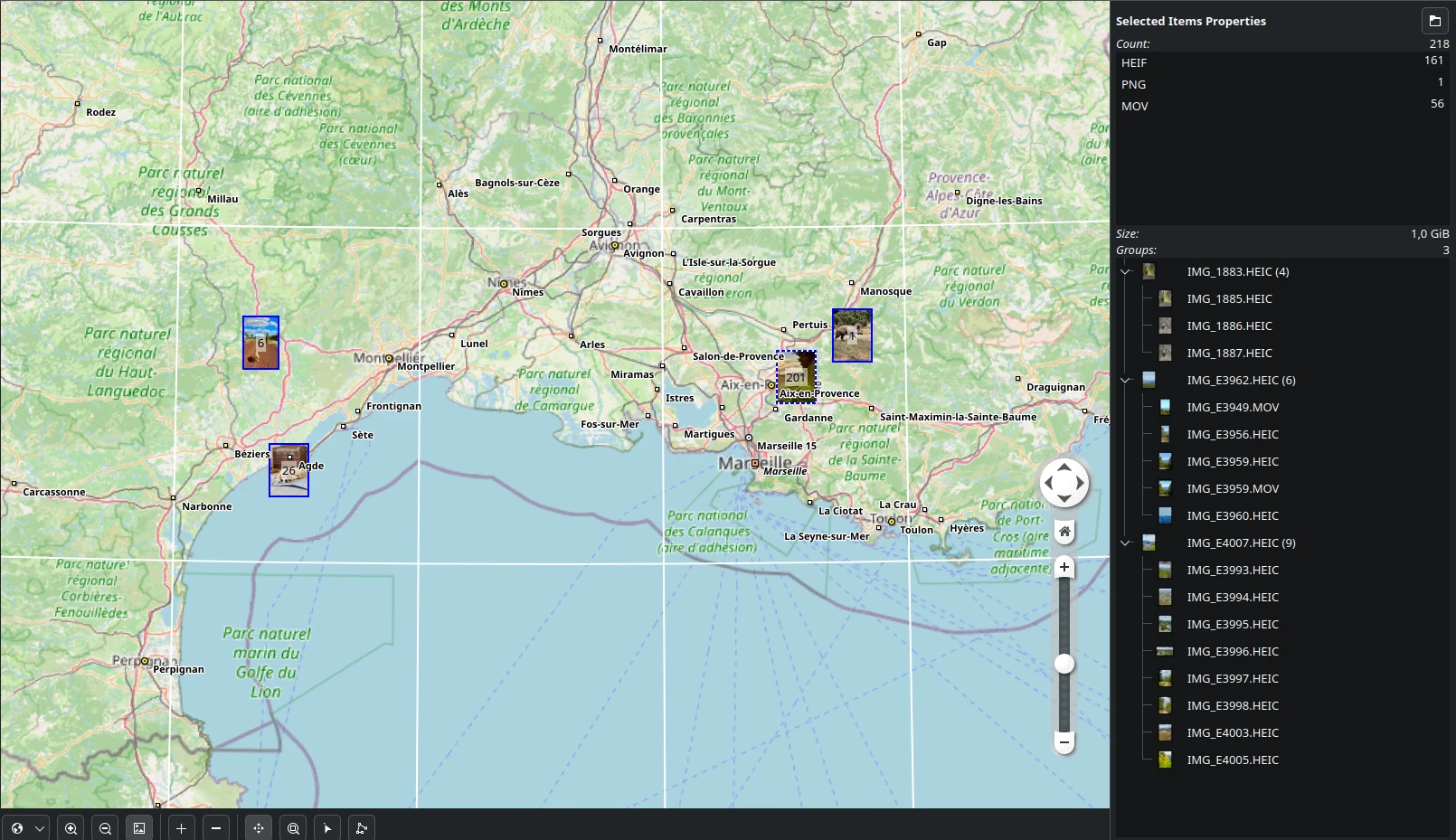
- 522748: Crash upon clicking on Maps: fatal allocator error (sized deallocation mismatch).
- 518566: Crash on Marble map interaction after Geolocation Editor open for some time.
- 485654: Product hangs when trying to apply geolocations.
- 523476: GPS Correlator removes GPS data when no correlation is found.
- 384306: Option to center map on selected track.
- 524434: Support Xiaomi HyperOS Micro-Video motion photos.
Metadata
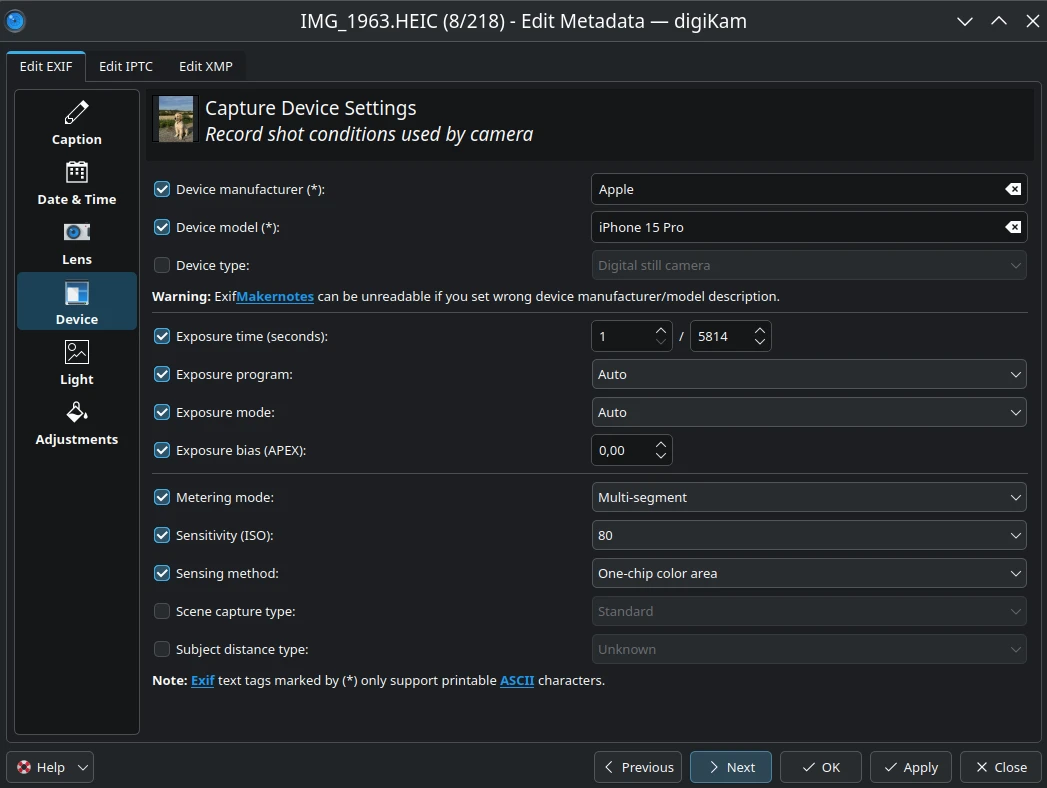
- 522001: MP4: [Composite] GPSLatitude / GPSLongitude / … metadata ignored and deleted on save.
- 521955: Failed to map XMP metadata Xmp.iptcExt.Event to a digiKam tag.
- 522052: In the TableView, the seconds from creation Date/Time are not shown correctly (always at 00).
- 524661: Some timestamps written to XMP sidecar even if the timestamps metadata setting is disabled.
- 523852: Option to shift file modification timestamp by +/- 1 second when writing metadata.
- 528007: Edited EXIF does not stick in RAW files.
- 484749: Metadata Exif panel does not follow the language configured for digiKam (it follows the OS language).
- 526359: Externally removed keyword is not removed from photo in digiKam.
- 526889: Focus point extractor: add coordinate mapping for Canon EOS R5 Mark II and EOS R6 Mark III.
- 524254: Unable to add /usr/bin/tesseract binary to digiKam.
File and Album Management
- 521262: Newly installed 9.1.0 crashes under Windows.
- 523211: Crash on start on Windows 10 (Exception code: 0xc0000005) with the Beta release.
- 523250: Created filename on import is wrong (date/time).
- 523759: Create directory symbolic links / junctions from within digiKam (restricted to existing managed collections).
- 523957: It is not possible to drag photos within the same album to arrange them according to your own scheme.
- 524393: Crash when dragging an image in the library to re-position it.
- 469202: Crash when deleting.
- 478104: A new version deletes all my configuration and tags.
- 491886: digiKam erases my photos.
- 529229: digiKam becomes unresponsive after images have once been deleted from a grouped album.
- 528918: Files can be silently overwritten when moving them in the similarity search view.
- 525774: digiKam has trouble with the % character in folder names.
- 525215: Misleading naming for “Albums” vs. “Collections”.
- 479092: Increase the number of recent tags.
- 519108: Moving multiple tags into a hierarchy causes a crash.
- 522954: Copy as path.
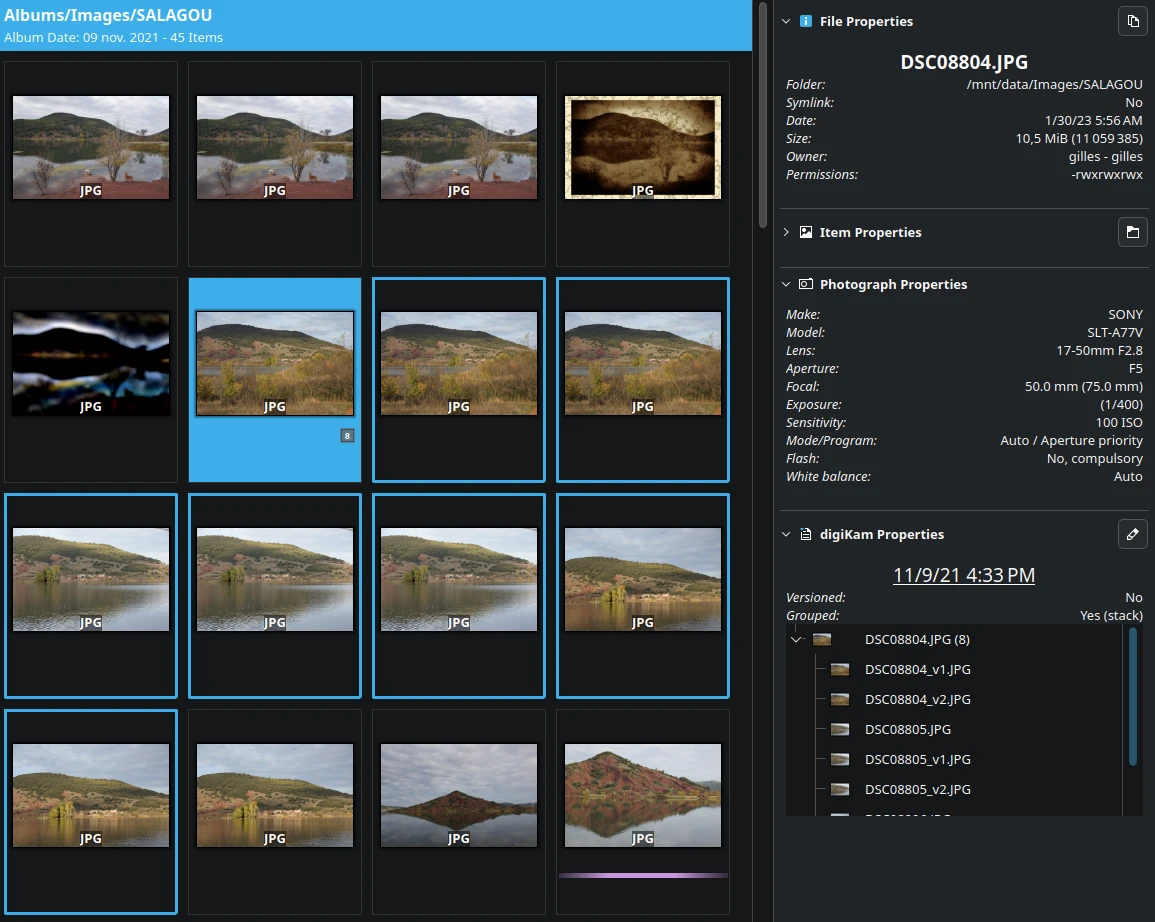
Image Editor and Tools
- 501456: “Save” not asked after color profile change in Editor while loading an image from media.
- 445783: “Save as” does not change filename for later “Save” action.
- 471015: Error messages in Panorama tool incomplete because window contents cannot scroll.
- 488061: The Image Mosaic Wall tool crashes under Windows.
- 527816: digiKam crashes when scanning a malformed PGF file.
- 525230: “Set as Wallpaper” tool silent failure / crashes OS background engine when used on RAW/unsupported image formats.
- 528265: PrintCreator: custom caption text is not applied to the current print, only to the next one.
- 527231: The “Assign Tags” action in the batch queue manager with the “Color Labels” option does not work as expected.
- 528814: Rating via Assign Labels -> Rating behaves incorrectly.
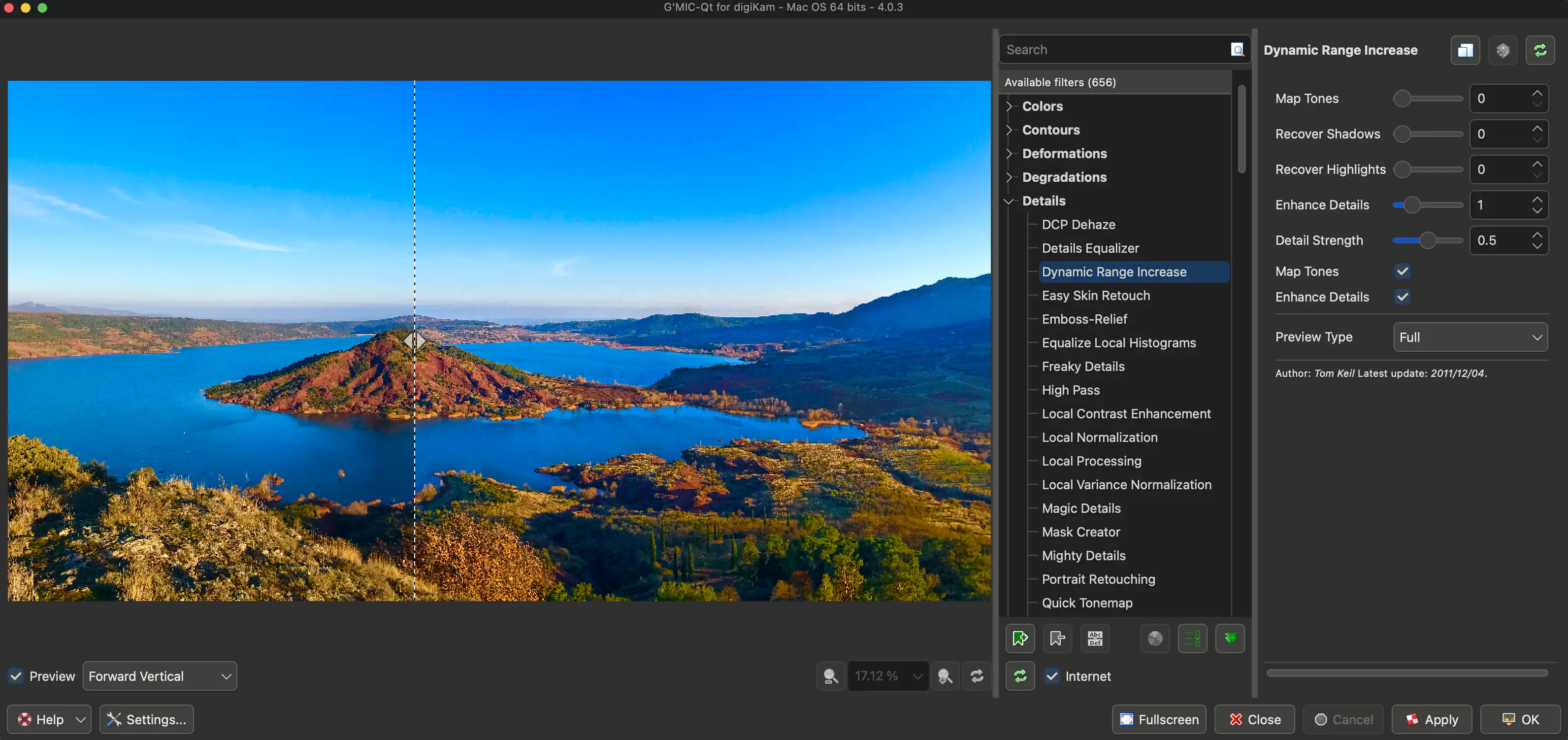
- 524505: G’MIC filter list can’t be updated (update360.gmic returns 404).
Webservices
- 503893: Request for a digiKam plugin to publish to Immich.
- 502592: Add plugin for the Immich webservice integration.
- 527581: Flickr export plugin fails to start uploading photos.
- 527578: Flickr export plugin fails OAuth authorization with HTTP 502 (Bad Gateway).
- 528433: Flickr uploader stopped working.
- 469384: Export to iNaturalist tool does not respond.
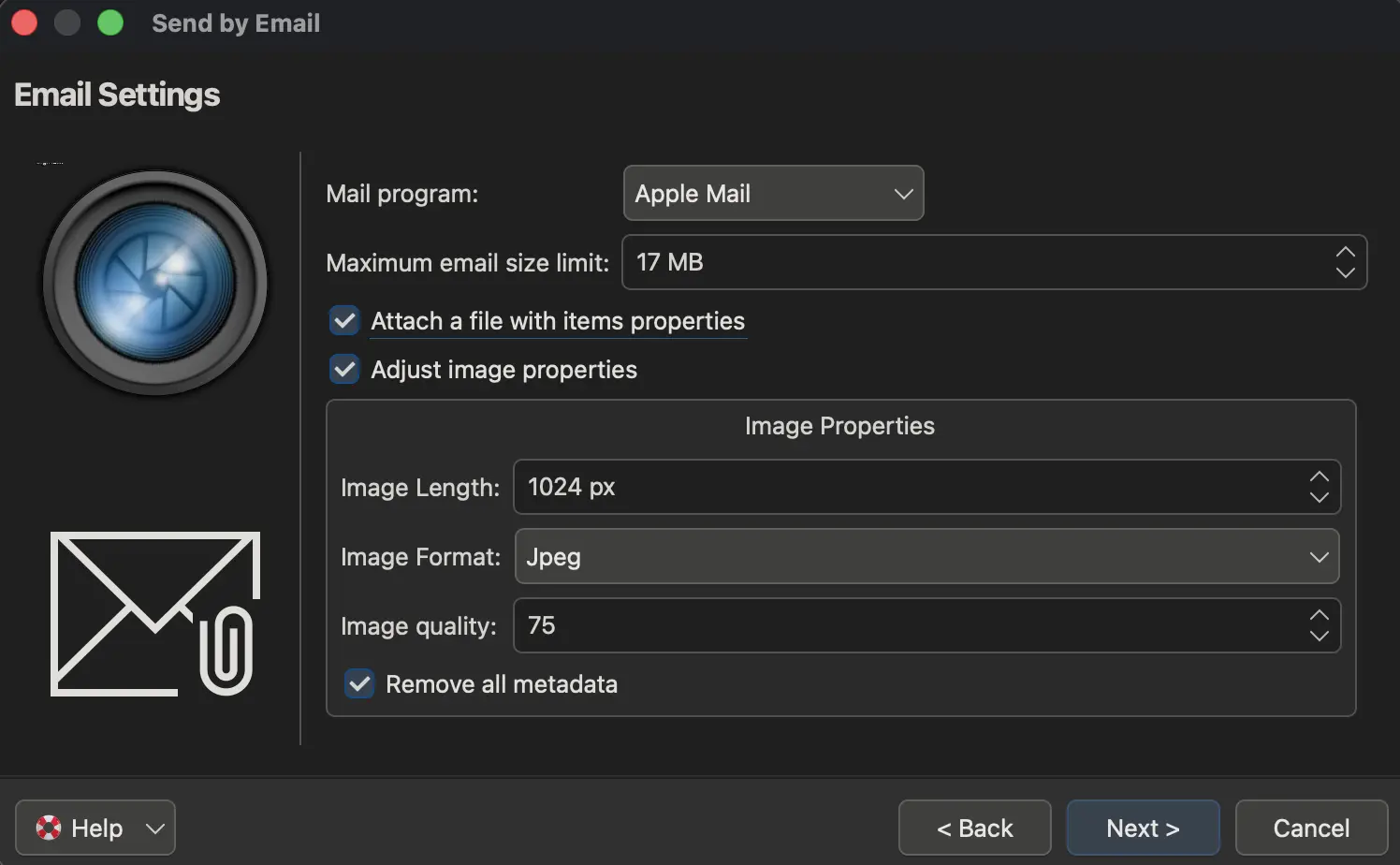
- 372191: Email does not work on OS X.
- 461666: Send by Mail to Gmail.
- 527361: Grammar error in string “Error While to Send Items by mail”.
macOS Stability
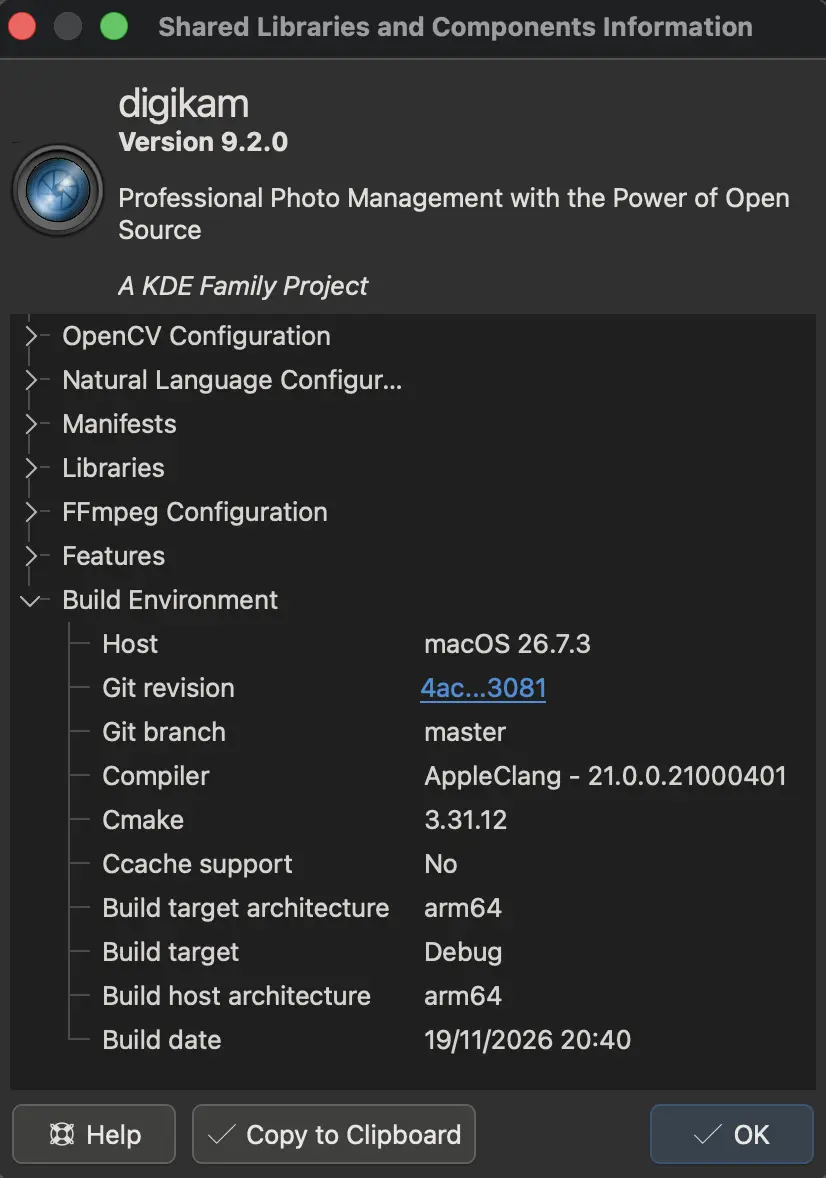
A dedicated effort was made this cycle to fix the numerous crashes reported by macOS 27 users, mostly located in the QImage::toCGImage / CGImageCreate rendering path used by the metadata panel and the busy/wait cursors:
- 527473: Launching preferences of digiKam 9.1 causes a crash on macOS 27.2 (release candidate).
- 528358: Crash in QImage::toCGImage / CGImageCreate when starting “Scan for Faces” on macOS 27.2.
- 528535: Crash (SIGTRAP) when clicking the “Filters” tab in the right sidebar on macOS 27.2.
- 528538: Crash (SIGTRAP) when opening Settings on macOS 27.2 (MetadataPanel).
- 528796: Crash (EXC_BREAKPOINT/SIGTRAP) when opening Settings > Configure digiKam on macOS 27.2 (MetadataPanel).
- 528842: Crash on macOS 27 when a busy/wait cursor is shown (CGImageCreate from QImage::toCGImage).
- 529153: digiKam app crashes in macOS 27.2.1.
- 529367: Crash under macOS.
- 525294: Crash (EXC_BREAKPOINT/SIGTRAP) inside QImage::toCGImage().
- 528904: Apple silicon macOS 27 crash when testing the MariaDB connection.
- 528359: digiKam crashes on selecting Preferences.
- 528877: digiKam crashes opening Preferences.
- 529424: Crash when opening the Setup dialog.
- 528866: Consequent crash when choosing different menus.
- 529445: Crash when clicking many features.
Packaging and Build System
- 521756: 03-build-digikam.sh script bug: cleanup logic inadvertently deletes all VCPKG dependencies.
- 522792: The 9.1.0 compile version will not deploy on Ubuntu 26; the AppImage had to be extracted manually.
- 523414: Build failure with latest commit (templateselector.cpp).
- 527990: message(ERROR …) in RulesLibJpeg.cmake is not a valid CMake severity: the “libjpeg >= 8 required for DNG” check neither fails nor warns.
- 528365: Fix setCurrentThreadName() for FreeBSD.
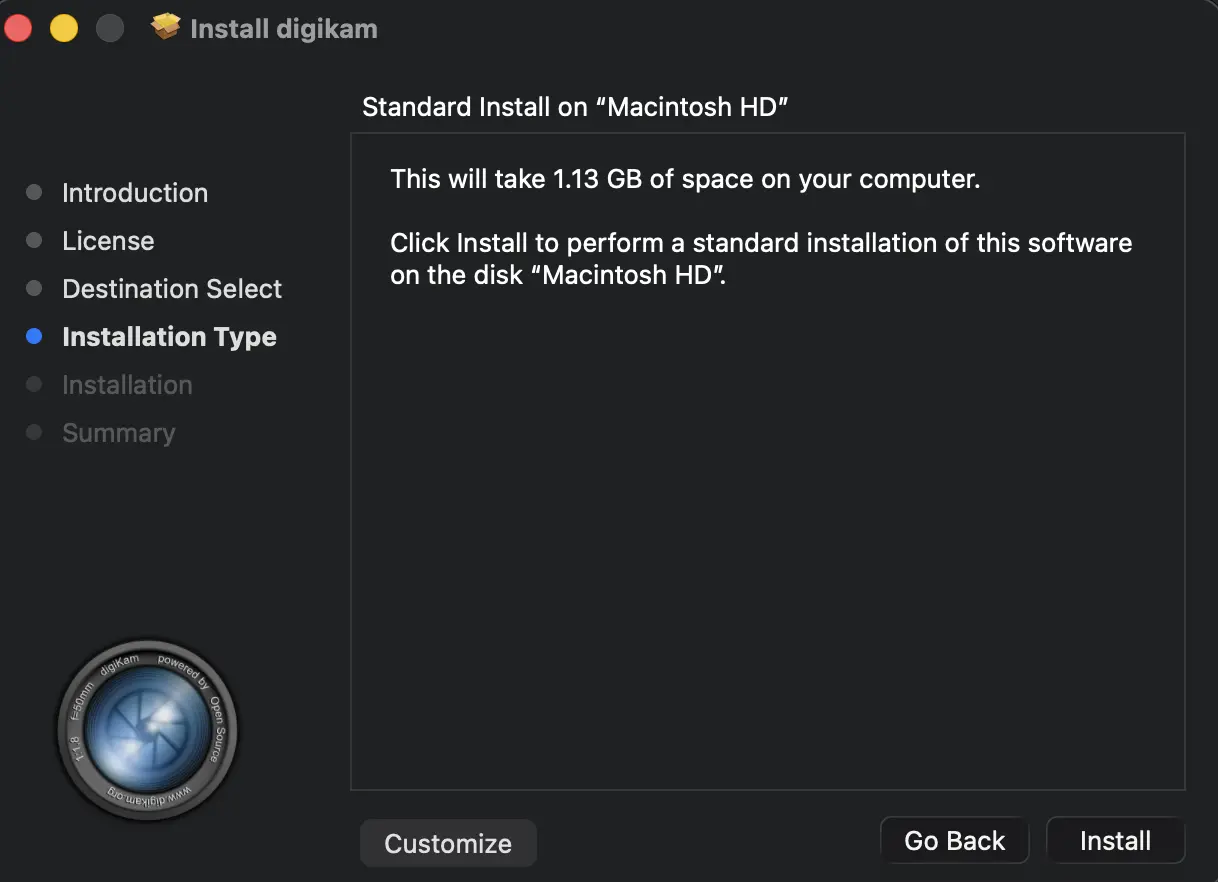
- 526247: Broken link in the .pkg installer.
- 526526: Under Windows 10, the newest release is missing the Breeze style.
- 503112: macOS universal binaries support, preferable to separate x86_64 and arm64 binaries.
Internationalization
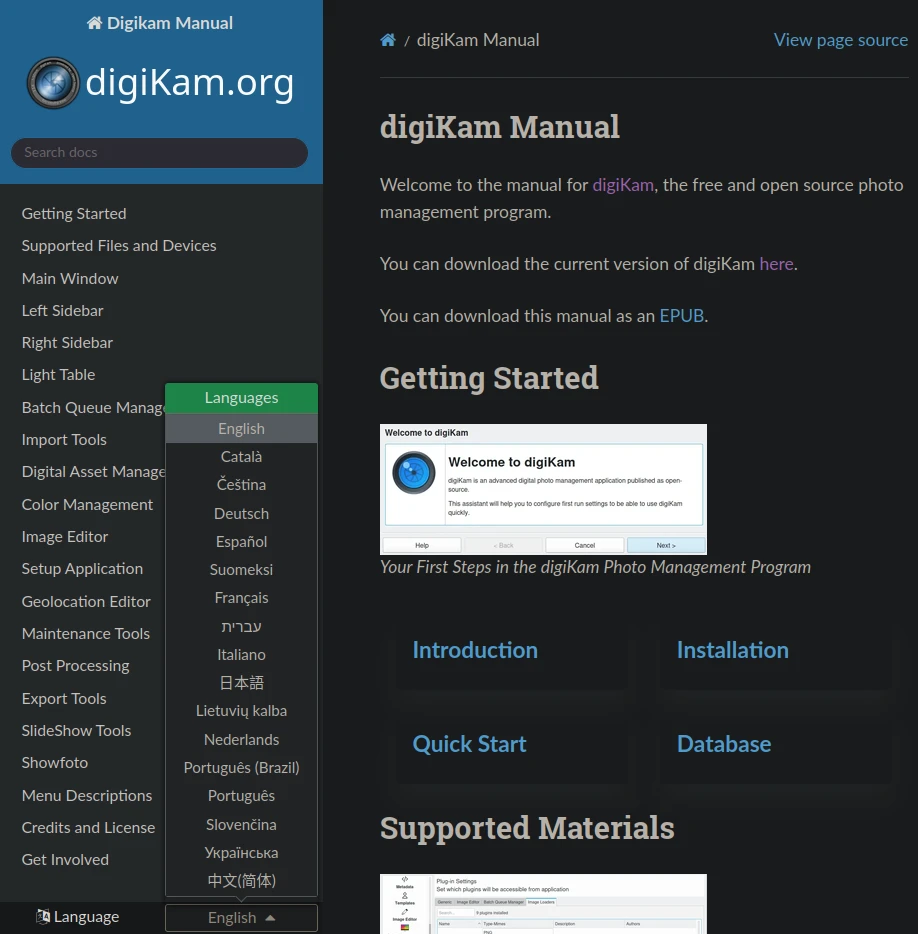
digiKam 9.2.0 supports 61 languages for the application interface, and the online documentation supports 17 languages. Users can change the language via the Settings/Configure Languages dialog from the application and the drop-down menu on the bottom left of the documentation web-site.
Future Plans
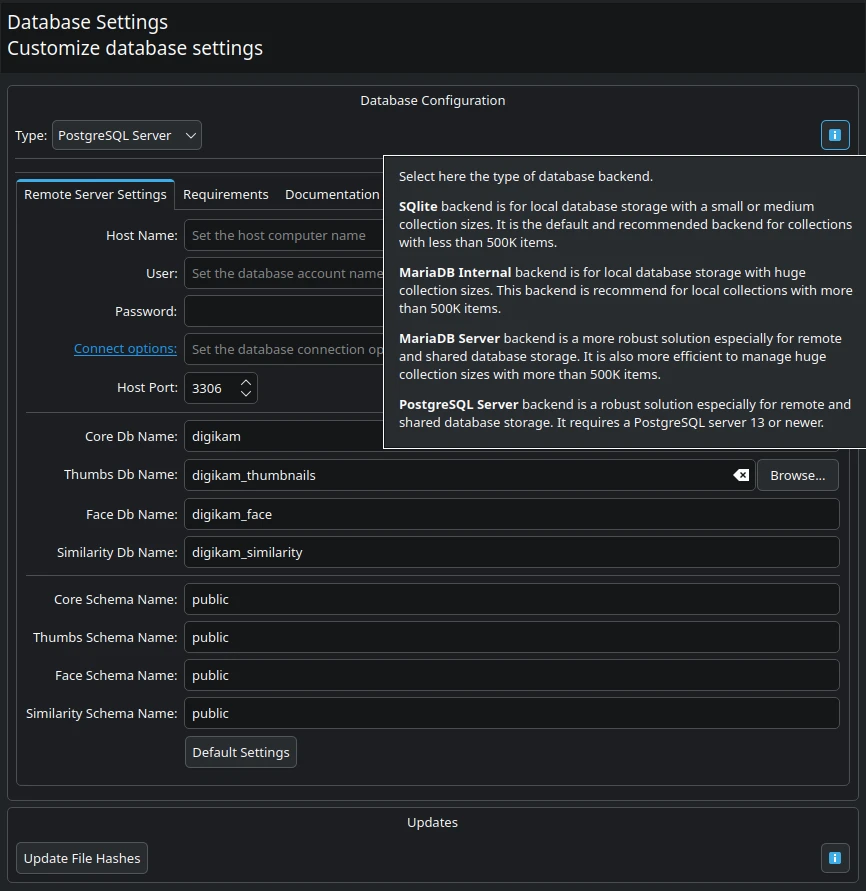
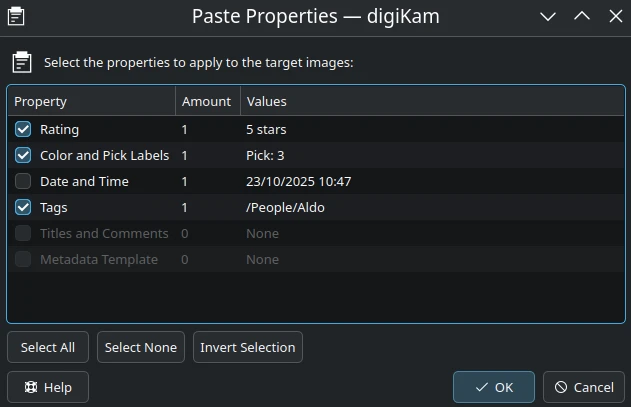
The next maintenance release is planned for spring 2027, focusing on further PostgreSQL support, performance improvements, and the Metadata Copy and Paste Between Items. The PostgreSQL database engine implementation is already integrated in the current 9.3.0 pre-releases and is currently being tested: the goal is to offer a fully supported alternative to SQLite and MariaDB for large collections. We also plan to continue improving database performance and user experience based on community feedback.
Final Words
We extend our heartfelt thanks to all users for their support, feedback, and donations.
This release is the result of more than 1,000 commits integrated since digiKam 9.1.0. Beyond the core team, we want to especially thank all the contributors who authored these changes, in order of commit count:
- Andreas Winther,
- Srirupa Datta (Natural Language Search, Google Summer of Code 2026),
- Christian McHugh,
- Mark Cockram,
- Justus Schwartz,
- Madhur Dhillon,
- Leif Scholz,
- Mikhail Hrechyn,
- Alexander Shishenko,
- Kristian Karl,
- Scarlett Moore,
- François Martin,
- Dobatymo Eranilum,
- Andrei Buneyeu,
- Axel Vasquez,
- Julius Künzel,
- Antonio Rojas.
Thanks to as well as all the testers, bug reporters, and translators who made this release possible. If you want to contribe, please follow instructions from this page.
digiKam 9.2.0 is available for download from this repository as:
- Source code tarball
- Linux 64-bit AppImage bundles (compatible with systems based on glibc >= 2.31)
- Windows 10 (or later) 64-bit installers or bundle archives
- macOS 11.3 Silicon and Intel packages
Stay tuned for more updates, and enjoy seamless photo management with digiKam 9.2.0!
As this release is published a few weeks before Christmas, the whole digiKam team wishes you happy end-of-year holidays and a wonderful time with your family and your photos!
The digiKam Team