Starting with version 2.6, digiKam features the Tools ? Maintenance menu which gives you access to tools designed to perform a variety of housekeeping tasks: from scanning for new photos to running a face recognition action. Here is a brief overview of the available tools.
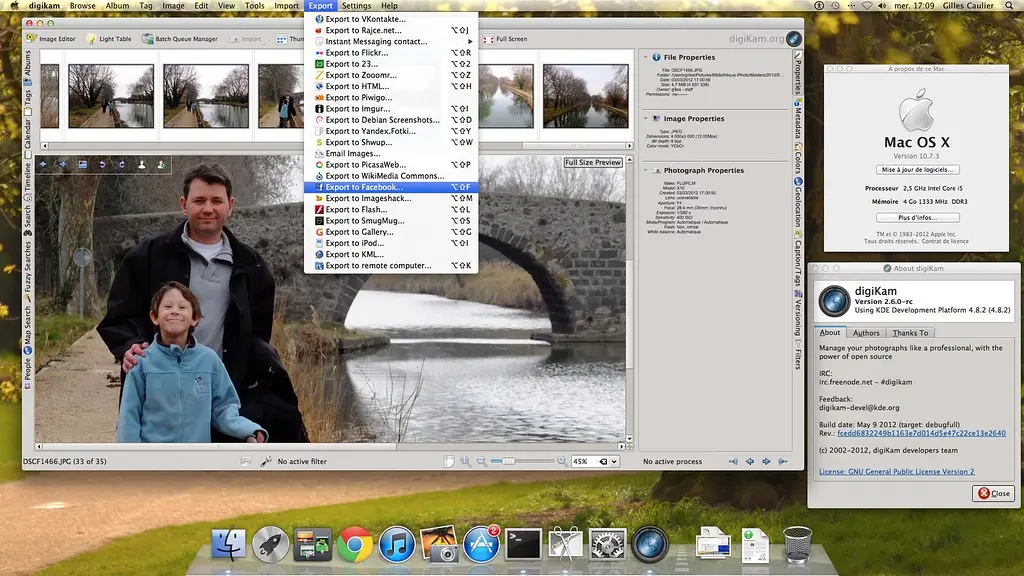
Sharing is caring, and there is probably no better way to share your photographic masterpieces with the world than adding them to the Wikimedia Commons pool. While the project's website features its own tool for uploading photos, digiKam's Wikimedia Export Kipi plugin can come in rather handy when you need to export multiple photos in one fell swoop without leaving the convenience of your favorite photo management application.
A new version of the digiKam Recipes ebook is available for your reading pleasure. Besides a handful of minor tweaks, the new version of the digiKam Recipes ebook includes the following new material:
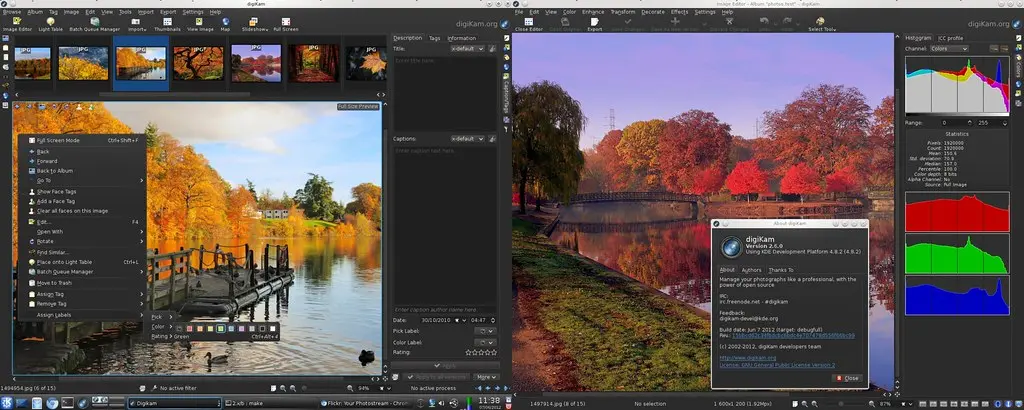
digiKam team is proud to announce digiKam Software Collection 2.6.0.
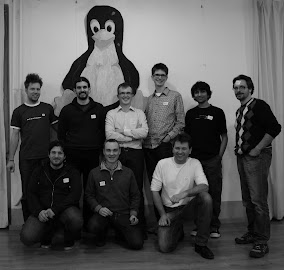
With this release, digiKam include a lots of bugs fixes about XMP sidecar file supports. New features have been also introduced to last Coding Sprint from Genoa. You can read a resume of this event to dot KDE web page. Thanks again to KDE-ev to sponsorship digiKam team...
digiKam include now a progress manager to control all parallelized process running in background. This progress manager is also able to follow processing from Kipi-plugins.
Soft proofing is a technique which allows you to see what the photo will look like when printed using a specific printer and photo media (paper, canvas, etc.) without actually printing the photo. Many professional photo processing applications support soft proofing, and digiKam is no exception.
To make this feature work in digiKam, you need to specify color profiles for your display and the output device (e.g., printer). But before you do that, you need to obtain the ICC color profile for your specific printer and print media.
digiKam team is proud to announce the candidate release of digiKam Software Collection 2.6.0.
With this release, digiKam include a lots of bugs fixes about XMP sidecar file supports. New features have been also introduced to last Coding Sprint from Genoa. You can read a resume of this event to dot KDE web page. Thanks again to KDE-ev to sponsorship digiKam team...
digiKam include now a progress manager to control all parallelized process running in background. This progress manager is also able to follow processing from Kipi-plugins.
Adding a dash of color tint to a black and white photo can often produce a dramatic effect, and digiKam does have a handful of toning filters for you to try.
But you are not limited to the built-in filters: using digiKam's editing tools, you can easily tint photos using whatever color you like.
digiKam team is proud to announce the 3rd digiKam Software Collection 2.6.0 beta release!
With this release, digiKam include a lots of bugs fixes about XMP sidecar file supports. New features have been also introduced to last Coding Sprint from Genoa. You can read a resume of this event to dot KDE web page. Thanks again to KDE-ev to sponsorship digiKam team...
digiKam include now a progress manager to control all parallelized process running in background. This progress manager is also able to follow processing from Kipi-plugins.