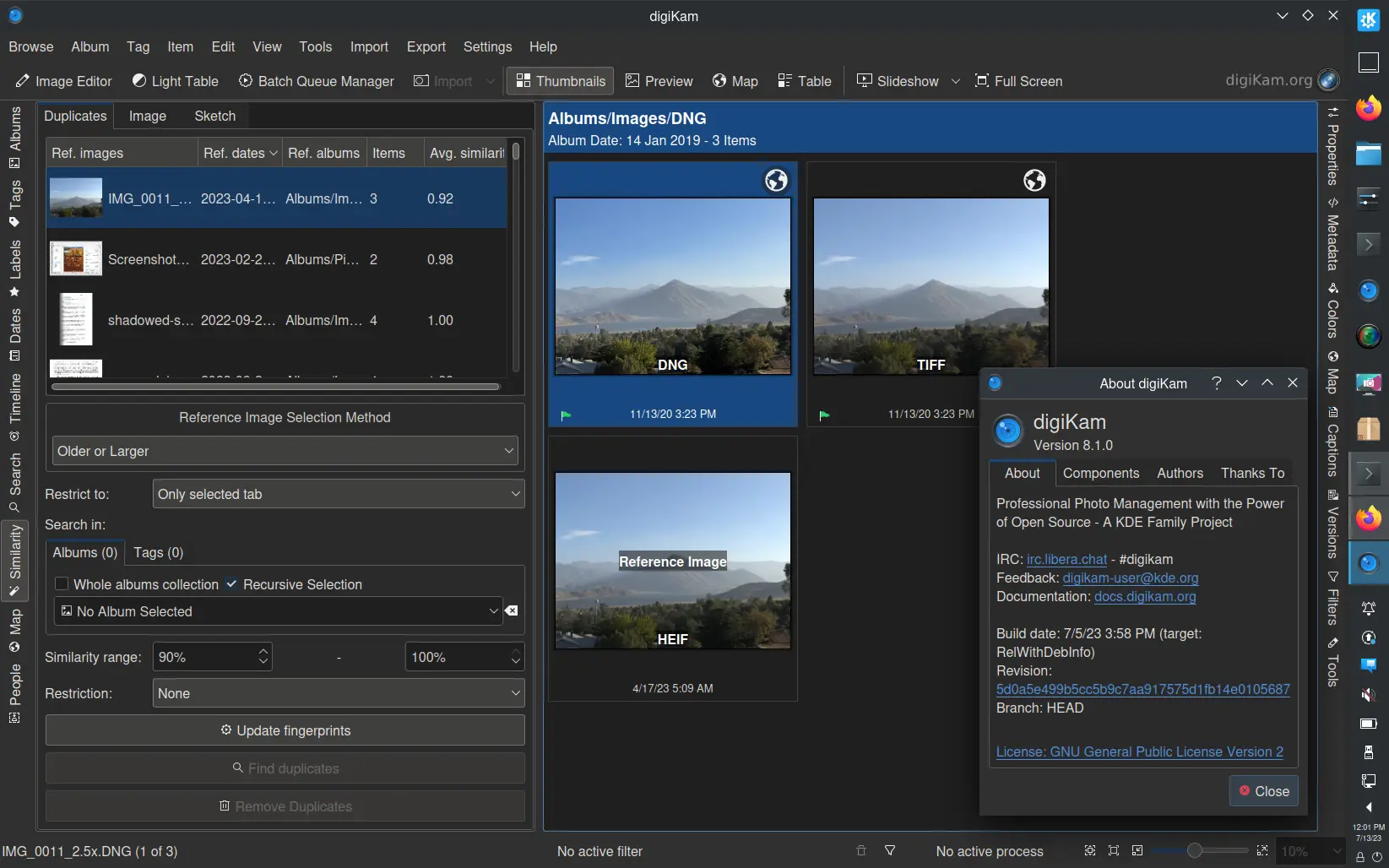
After five months of active maintenance and long bugs triage, the digiKam team is proud to present version 8.1.0 of its open source digital photo manager.
See below the list of most important features coming with this release.
Print Creator: Add 4 new templates for 6.8 inches photo paper.
General : Improve usability of Image Properties sidebar tab.
Bundles : Includes Breeze widgets style in MacOS package to render properly GUI contents.
Tags : Add possibility to remove all face tags from selected items.
Tags : Add possibility to remove all tags from selected items except face tags.
Similarity : Add usability improvements about reference images while searching for duplicates images.
This version arrives with a long review of bugzilla entries. Long time bugs present in older version
have been fixed and we spare a lots of time to contact users to validate changes in pre-release to confirm
fixes before to deploy the program in production.
After two years of development and bugs triage, and tests, the digiKam team is proud to present the new major version 8.0.0 of its open source digital photo manager.
See below the list of most important features coming with this release.
New Online Documentation
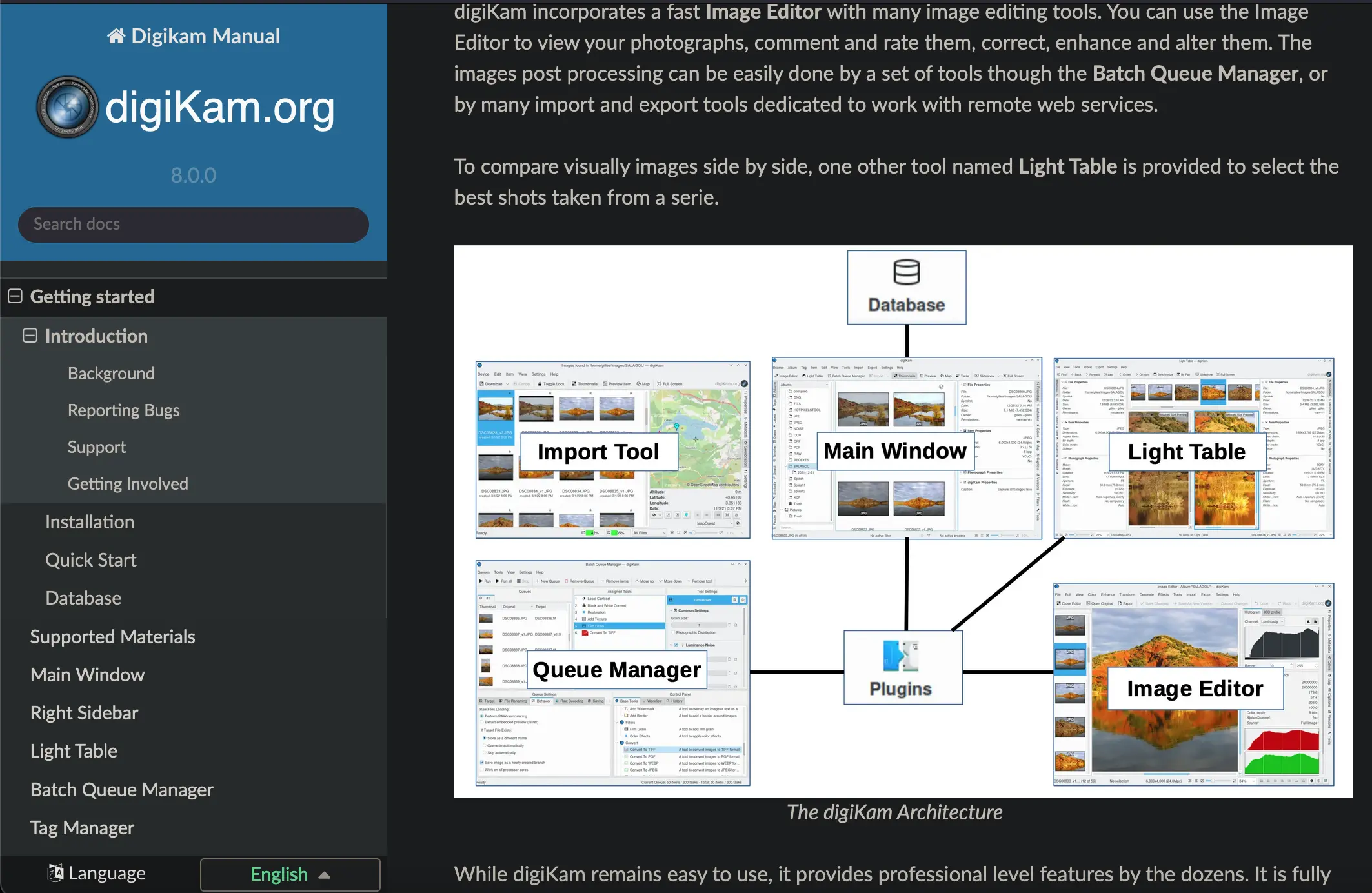
A huge Application as digiKam needs good documentation for end users, and is well written with plenty of screen-shots and screen-casts. We have been working many months to migrate and proof-read the old digiKam documentation based on DocBook format to a new architecture, more simple, easy to maintain, and translatable.
After 20 years, we left the DocBook manual for the modern Sphinx/ReStructuredText framework. This one is really a pleasure to use by documentation writers.
After three months of active maintenance and other bugs triage, the digiKam team is proud to present version 7.10.0 of its open source digital photo manager.
See below the list of most important features coming with this release.
Bundles Internal Component Updates
As with the previous releases, we take care about upgrading the internal components from the Bundles.
Microsoft Windows Installer, Apple macOS Package, and Linux AppImage binaries now hosts:
New year, new digiKam Recipes book release. The new version features the completely rewritten Tag faces with the Face Recognition feature chapter and an all-new example workflow section in the Batch process photos and RAW files chapter. Several chapters have been revised and improved, including Edit tags with Tag Manager, Color management in digiKam, and Move digiKam library and databases. All screenshots have been refreshed, too. As always, the new revision includes plenty of tweaks and fixes.
A new year brings new goals—and this year, we’re taking on a significant challenge: migrating the old digiKam documentation from the DocBook format to a modern, easier-to-maintain architecture.
After 20 years of using DocBook, we have transitioned to the Sphinx/ReStructuredText framework. This new system is not only more intuitive for documentation writers but also streamlines the entire process of creating and updating content.
After four months of active maintenance and another bug triage, the digiKam team is proud to present version 7.9.0
of its open source digital photo manager.
See below the list of most important features coming with this release.
Bundles Internal Component Updates
As with the previous releases, we take care about upgrading the internal components from the Bundles.
Microsoft Windows Installer, Apple macOs Package, and Linux AppImage binaries now hosts:
Time for another revision of the digiKam Recipes book. This update features a completely revised chapter covering the versioning functionality in digiKam. It now offers a clear explanation of how versioning works in digiKam, which can help you to get the most out of this versatile feature. The Add shell scripts to the Import module chapter has also been revised to include a better practical example of how to use shell scripts with the Import tool. The new Enable and configure tooltips chapter describes how to put the handy tooltip tool to practical use, while the Travel in time using advanced search tip demonstrates how you can use the advanced search feature to find photos from the past.
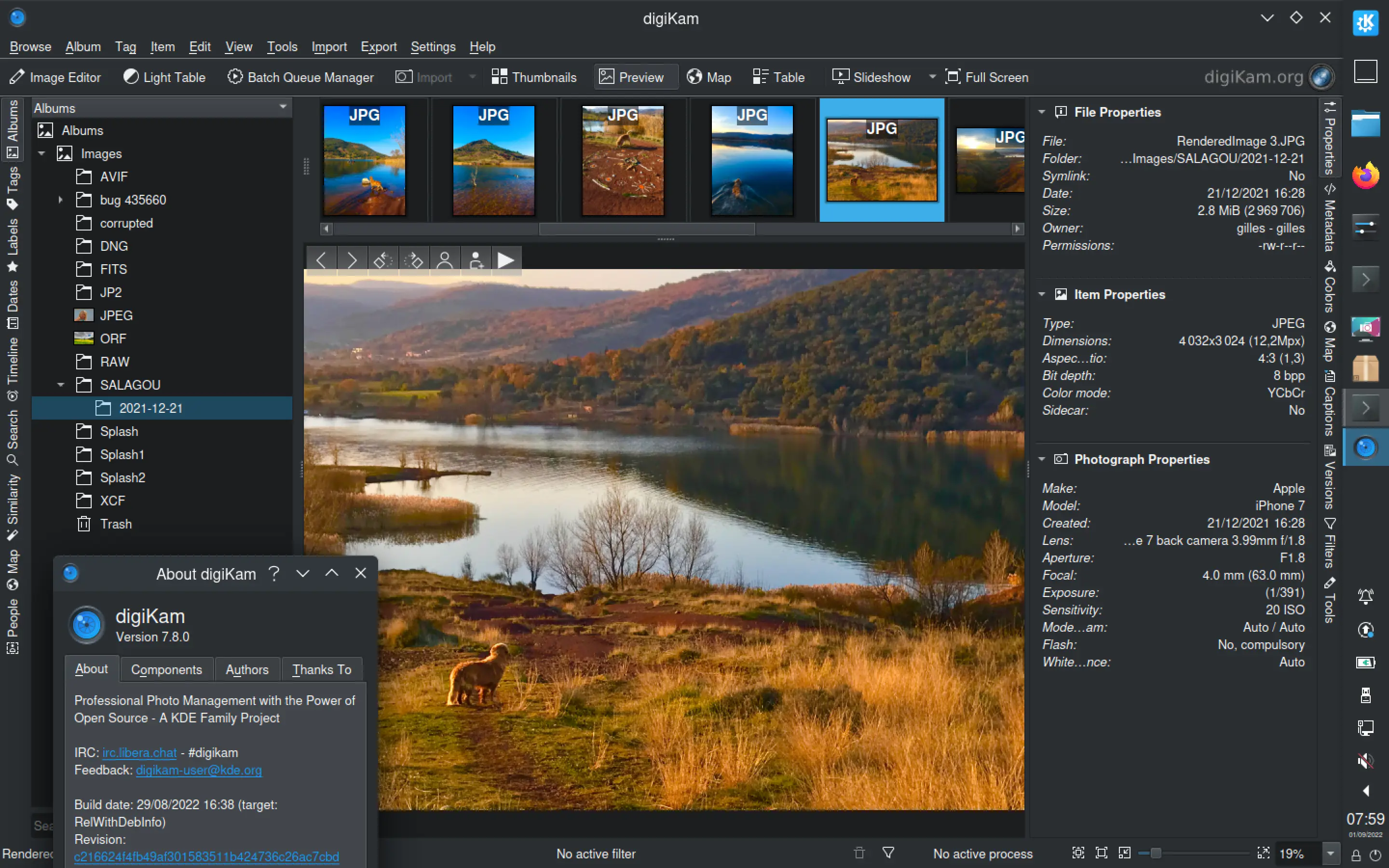
After three months of active maintenance and another bug triage, the digiKam team is proud to present version 7.8.0
of its open source digital photo manager.
See below the list of most important features coming with this release.
Qt 5.15 LTS used in AppImage bundle
As with the previous release, we take care about upgrading the Qt framework with a LTS version. Since Qt 5.15.2, the framework is only
published privately to the registered clients from the Qt Company. By chance, the KDE project deals with the Qt company to provide a rolling
relea se of the whole Qt framework including all the most important patches. This is the Qt collection patch used
from now by the digiKam AppImage bundle. This allows digiKam to benefit from important fixes as to support the most recent version of Mysql and Mar
iadb database in the QtSql plugin. Even if Qt 5.15.5 is just released as open-source, more than one year later 5.15.2, we will continue to use the Qt Collecti
on Patch, as the last customer Qt5 release is 5.15.10. So there exists again a serious gap between the open-source and the customer versions of Qt.
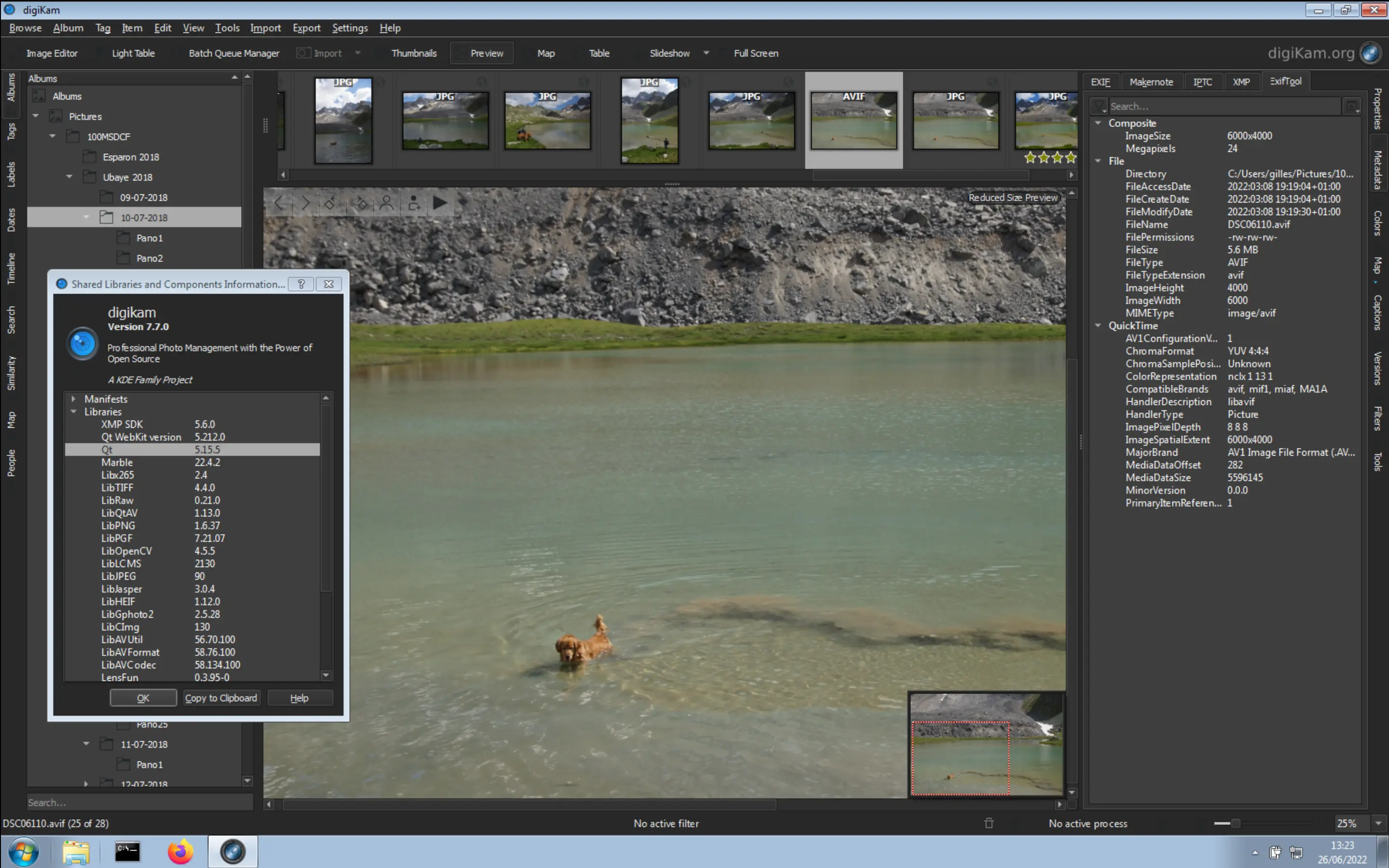
After three months of active maintenance and another bug triage, the digiKam team is proud to present version 7.7.0
of its open source digital photo manager.
See below the list of most important features coming with this release.
Bundles packaging improvements
Qt 5.15 LTS used in Windows and macOS bundle
With this release we take care about upgrading the Qt framework with a LTS version. Since Qt 5.15.2, the framework is only
published privately to
the registered clients from the Qt Company. By chance, the KDE project deals with the Qt company to provide a rolling relea
se of the whole Qt framework
including all the most important patches. This is the Qt collection patch used
from now by the digiKam
AppImage bundle. This allows digiKam to benefit from important fixes as to support the most recent version of Mysql and Mar
iadb database in the QtSql plugin.
Even if Qt 5.15.5 is just released as open-source, more than one year later 5.15.2, we will continue to use the Qt Collecti
on Patch,
as the last customer Qt5 release is 5.15.8. So there exists again a serious gap between the open-source and the customer ve
rsions of Qt.
After one month of active maintenance and another huge bug triage, the digiKam team is proud to present version 7.6.0
of its open source digital photo manager.
See below the list of most important features coming with this release.
Bundles packaging improvements
ICU support in Linux AppImage Bundle
Long time ago, the AppImage packaging suffered from an important lack of International Components for Unicode (ICU) support.
Typically, digiKam and Showfoto deal with the string internally using Qt, but the framework was not compiled with the ICU library to handle
properly all string encoding used over the world.

 Dear digiKam fans and users,