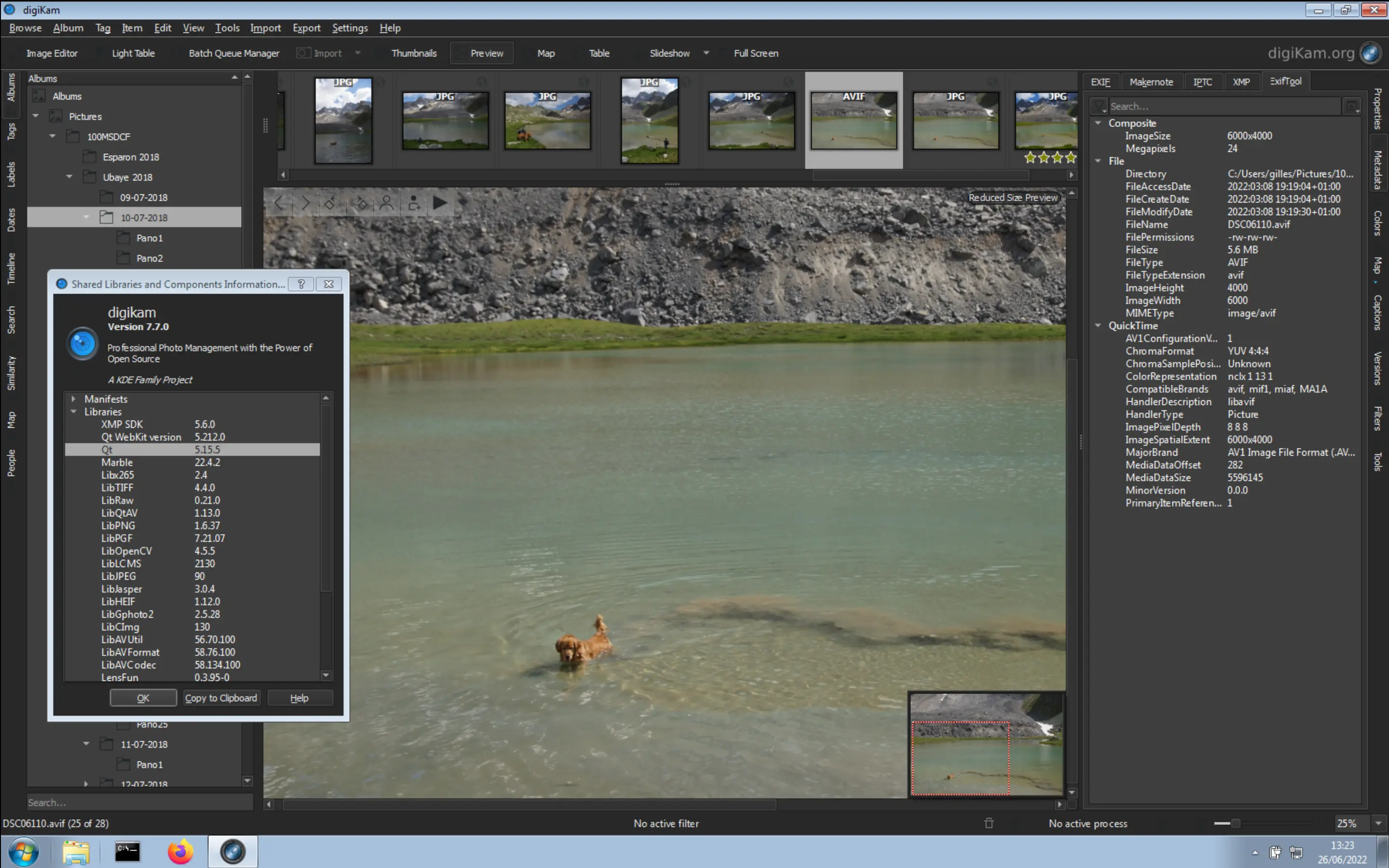
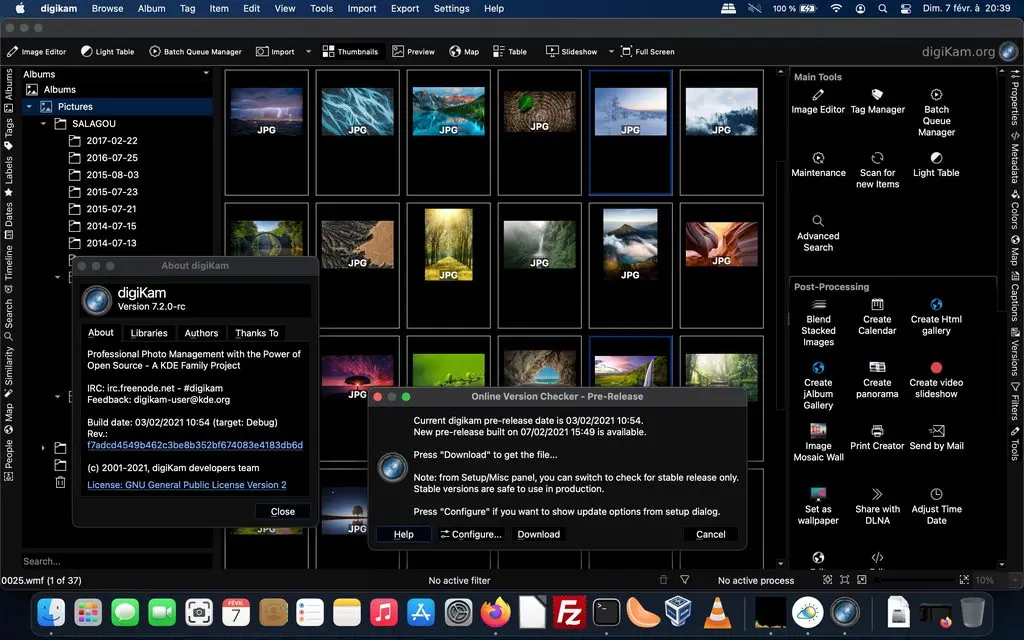
After three months of active maintenance and another bug triage, the digiKam team is proud to present version 7.7.0
of its open source digital photo manager.
See below the list of most important features coming with this release.
Bundles packaging improvements
Qt 5.15 LTS used in Windows and macOS bundle
With this release we take care about upgrading the Qt framework with a LTS version. Since Qt 5.15.2, the framework is only
published privately to
the registered clients from the Qt Company. By chance, the KDE project deals with the Qt company to provide a rolling relea
se of the whole Qt framework
including all the most important patches. This is the Qt collection patch used
from now by the digiKam
AppImage bundle. This allows digiKam to benefit from important fixes as to support the most recent version of Mysql and Mar
iadb database in the QtSql plugin.
Even if Qt 5.15.5 is just released as open-source, more than one year later 5.15.2, we will continue to use the Qt Collecti
on Patch,
as the last customer Qt5 release is 5.15.8. So there exists again a serious gap between the open-source and the customer ve
rsions of Qt.
After one month of active maintenance and another huge bug triage, the digiKam team is proud to present version 7.6.0
of its open source digital photo manager.
See below the list of most important features coming with this release.
Bundles packaging improvements
ICU support in Linux AppImage Bundle
Long time ago, the AppImage packaging suffered from an important lack of International Components for Unicode (ICU) support.
Typically, digiKam and Showfoto deal with the string internally using Qt, but the framework was not compiled with the ICU library to handle
properly all string encoding used over the world.
New year, new revision of the digiKam Recipes book. It is a relatively modest update that features two new additions: how to upload photos to a remove machine via SSH directly from digiKam and how to access digiKam remotely via RDP. Oh, and there is a new colorful book cover.
As always, all digiKam Recipes readers will receive the updated version of the book automatically and free of charge. The digiKam Recipes book is available from Google Play Store and Gumroad.
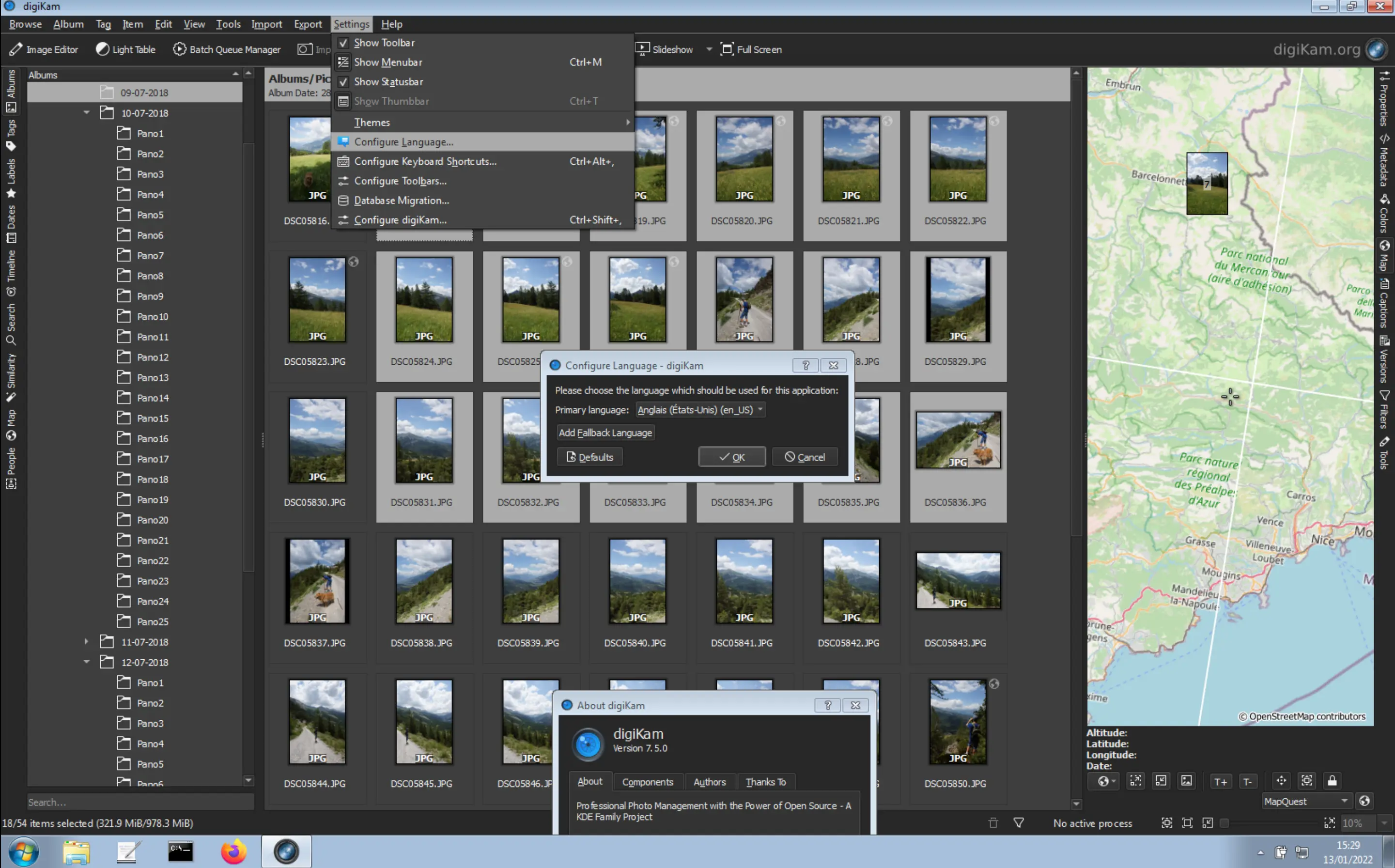
After one month of active maintenance and a huge bug triage, the digiKam team is proud to present version 7.5.0
of its open source digital photo manager. This new version arrives with more than
700 files closed in bugzilla
and main improvements about usability.
See below the list of most important features coming with this release.
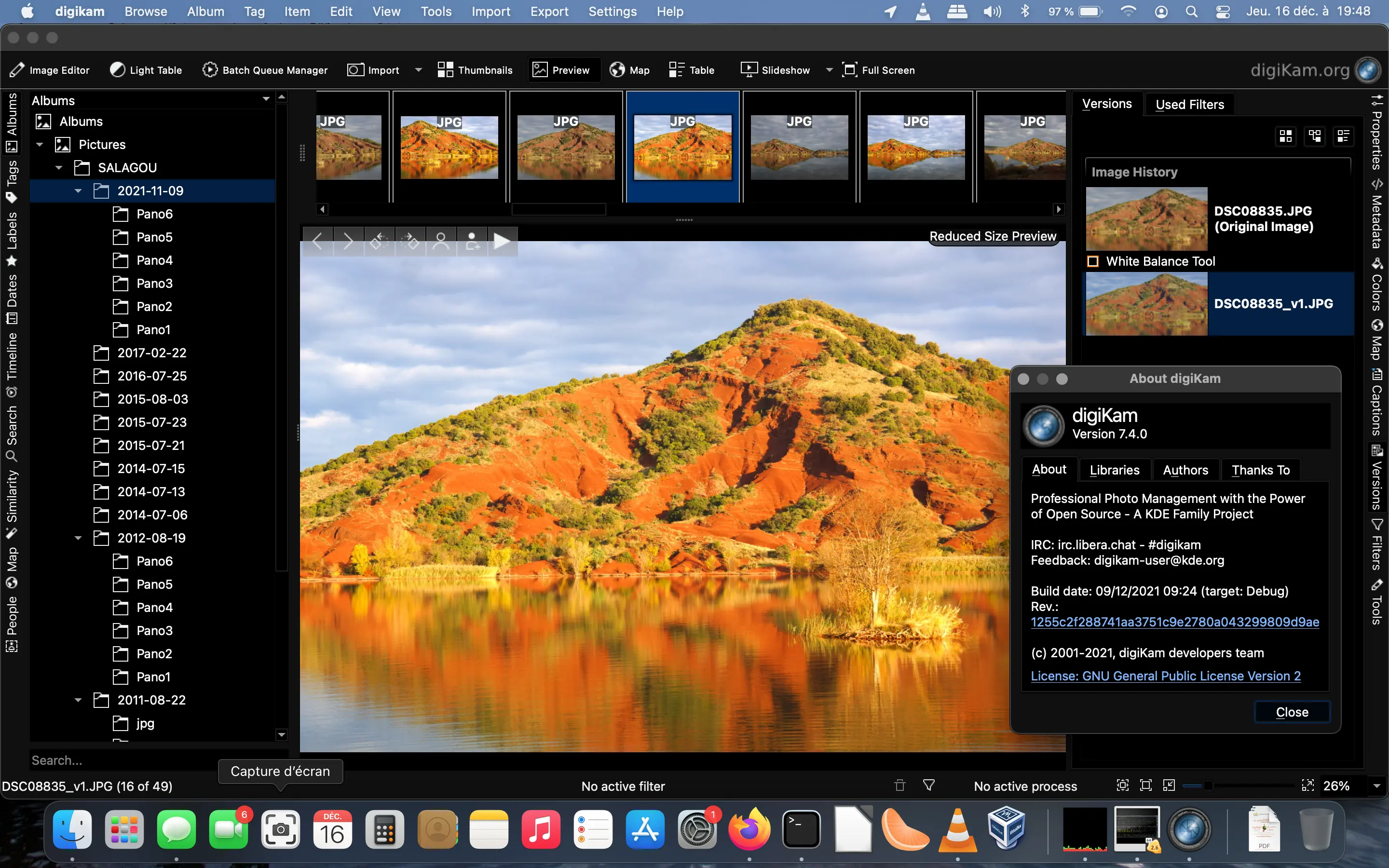
After five months of maintenance, the digiKam team is proud to present version 7.4.0 of its open source digital photo manager.
This new version arrives after 20 years of development
since the first public 0.1.0, released at Christmas 2001.
Here is the list of most important features coming with this release:
Showfoto Folder-View and Stack-View
Showfoto, the stand alone version of digiKam image editor, comes with a new left sidebar including two tabs to navigate in your
local file system and to manage your preferred stack of images to load in application.
Twenty years ago, we built digiKam to offer you an open-source alternative. The first version, released on Christmas 2001, was a simple GPhoto2 graphical interface for Linux. Two decades later, digiKam has evolved into a leading photo management program, available on Linux, Windows, and macOS. It now boasts a wealth of features for viewing, editing, searching, and publishing your image collections.
Our Values and Vision
After 20 years, our mission remains clear: digiKam is a non-profit, global community driven by core values—choice and control for users, openness, and innovation—that have become essential in the world of libre photography. Not all photo management programs are created equal, and your choices make a real difference.
It has been a while since the last update of digiKam Recipes. But that doesn’t mean I neglected the book. In the past few months, I’ve been doing a complete language review and adding new material. The new revision of digiKam Recipes features detailed information on how to move digiKam library and databases from one machine to another, how to access digiKam remotely from any machine, and how to import photos from an iOS device. The book now uses the Barlow font for better legibility along with a slightly improved layout.
After four months of maintenance, the digiKam team is proud to present version 7.3.0 of its open source digital photo manager.
Here is the list of most important features coming with this release:
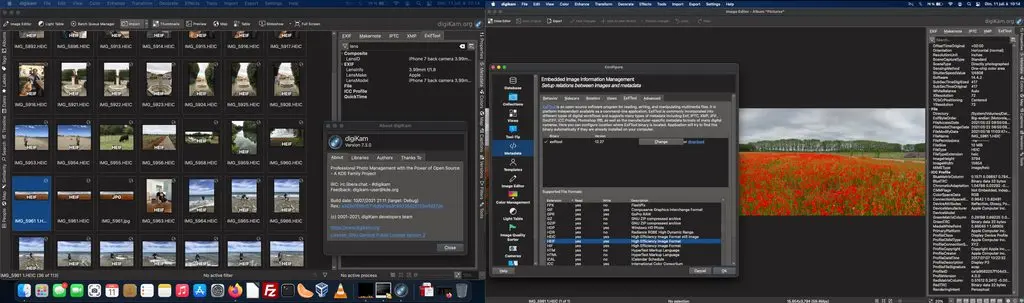
ExifTool Support
The famous ExifTool is now supported officially in parallel than the former Exiv2 shared library to handle file metadata.
ExifTool is a powerful tool that we will use in special cases to fix metadata dysfunctions that we cannot solve using Exiv2.
An ExifTool metadata viewer have been appended to the metadata sidebar everywhere in digiKam. The view works exactly as the Exiv2 version,
including the metadata entries filter. ExifTool supports a largest list of file formats than Exiv2.
Just a few words to inform the community that 7.2.0-rc is out and ready to test six month later
the 7.2.0 beta1 release.
After integrating the student codes working on faces management while this summer, we have stabilized code about the usability
and the performances improvements of faces tagging, faces detection, and faces recognition,
already presented in July with 7.0.0 release announcement.