Kipi-plugins 0.3.0 maintenance release for KDE4 is out.
kipi-plugins 0.3.0 tarball can be downloaded from SourceForge at this url
Kipi-plugins will be also available for Windows. Precompiled packages can be downloaded with KDE-Windows installer. See KDE-Windows project for details.
See below the list of new features and bugs-fix coming with this release:
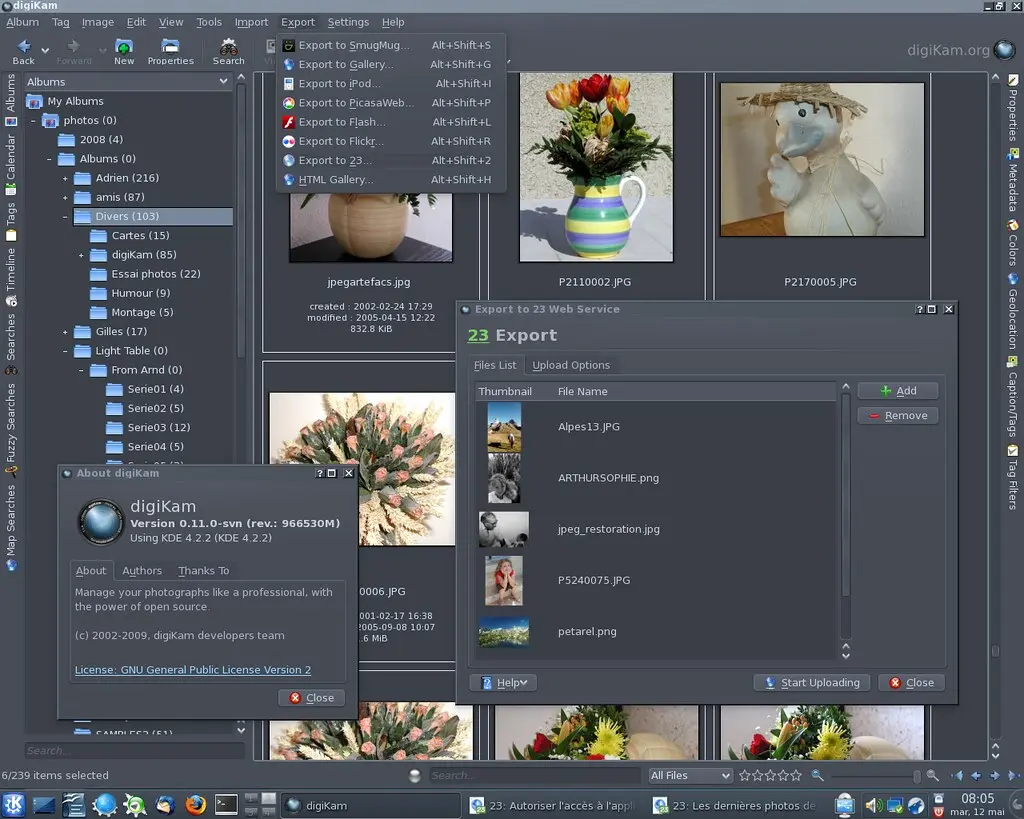
General : Fix compilation under MSVC 9. PicasaWebExport : Support protected albums (sign-in required to view). PrintImages : Added per photo print management. PrintImages : Added Atkins page layout printing.
Usual portion of bug fixes and polishing. In addition:
- main part of port to Qt4 ListModel view done - improving of Content Aware Resize plugin - polishing of Free Rotation interface - optimizations in thumbanils view - proof-reading of digiKam interface - introduction of tool to sanitize digiKam database from time to time - making sure everything compile on MS-Windows
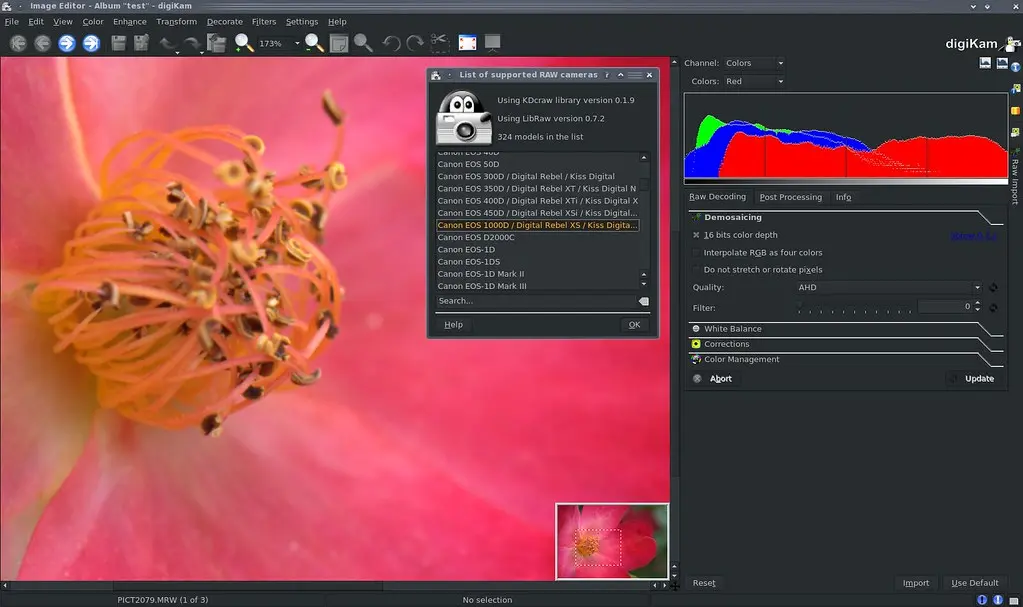
Added Leica RWL raw format in list of supported files. Updated to LibRaw 0.7.2 : - More accurate types conversion in libraw_datastream.h to make compilers happy. - New postprocessing parameter auto_bright_thr: set portion of clipped pixels for auto brightening code (instead of dcraw-derived hardcoded 1%). - '-U' option for dcraw_emu sample sets auto_bright_thr parameter. Updated to LibRaw 0.7.1 : - Fixed broken OpenMP support. Updated to LibRaw 0.7.0 : - Black (masked) pixels data extracted from RAW and available in application. - Application can turn off RAW data filtering (black level subtraction, zero pixels removal and raw tone curve). - New 'input framework' released. Reading raw data from file and memory buffer supported from scratch. LibRaw-using application can implement own data reading functions (e.g. reading from network stream). - Fuji SuperCCD: raw data extracted without 45-degree rotation. - New sample applications: 4channels and unprocessed_raw. - Imported (subsequentally) new dcraw versions from 8.89 to 8.93 (up to date)
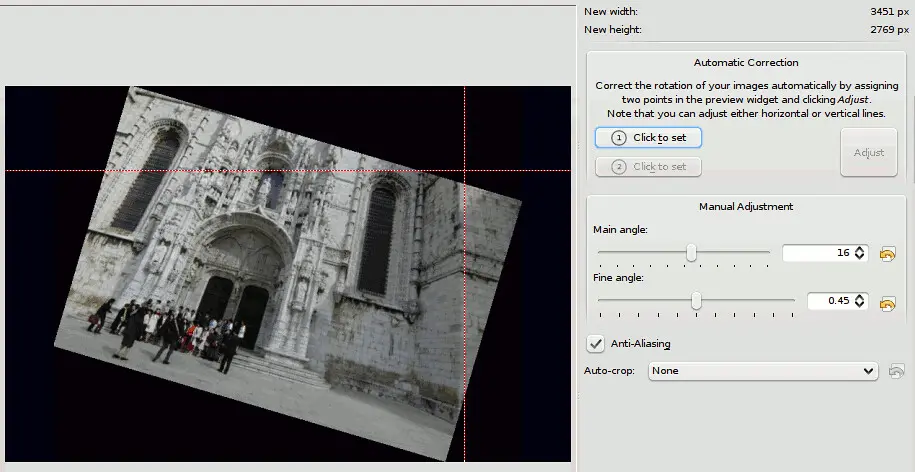
A few weeks ago I added a new feature to the Free-Rotation imageplugin: 'Automatic (Horizon) Correction'.
This is nothing new, Gimp and Photoshop (and for sure other applications) have such a feature, too. You set two points in the preview widget and hit "Adjust" to rotate the image accordingly to these markers.
The difference is that it is suitable to adjust horizontal and vertical lines and determines automatically which of the modes it should use, based on the angle between the two marker points. Also the rotation direction is detected by the plugin, so that it is actually quite easy to use, you do not have to say if you want to rotate clockwise or counter-clockwise.
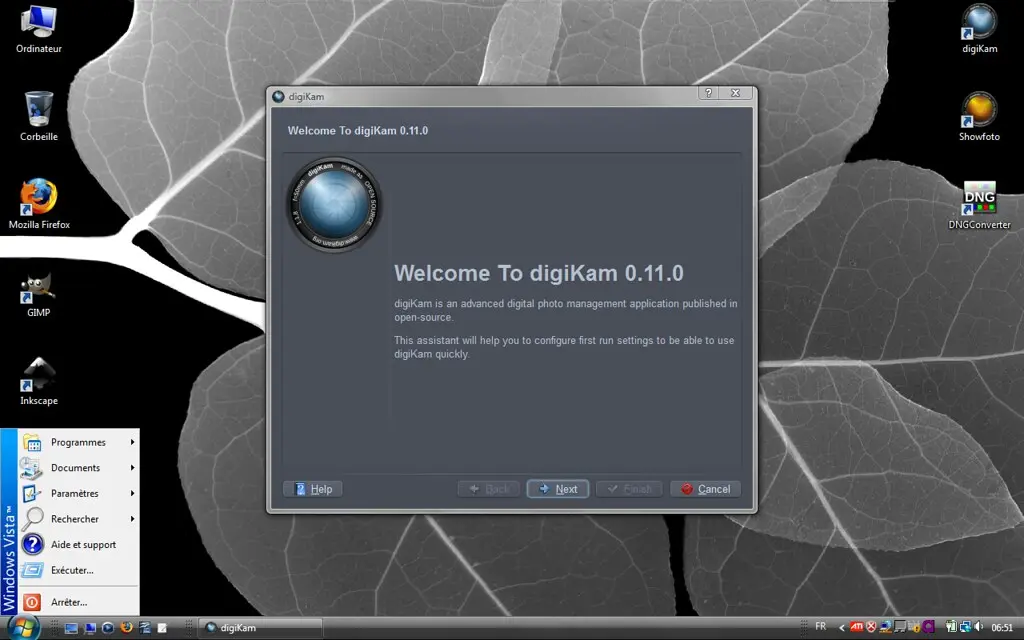
This week, i have work for a while on another digiKam subject: a new first run assistant.
The goal of this assistant is to group lead questions to configure some importants rules in digiKam setup. Of course, we won't to reproduce here the huge digiKam setup panel, but welcome users in digiKam and ask for minimal settings.
Assistant provide tips and explanations to guide users for future adjustments. Also, we cannot replace digiKam documentation which can be compared to a real book, but at least users are introduced to the digiKam world.
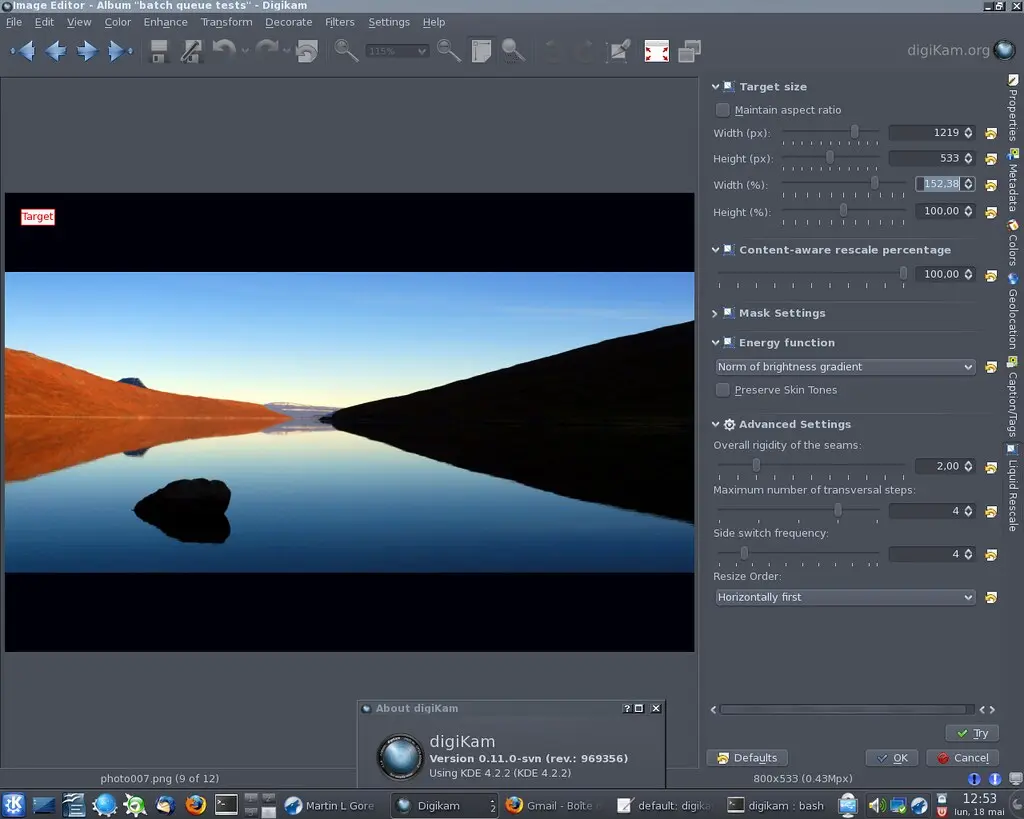
This week digiKam saw introduction of new plugin - Liguid resize; beginning of work on Qt4 list view implementation and usual share of polishing, bug fixing, etc. Read details in full version.
Because KDE-wide commit digest is a bit erratic lately I thought about replacing it in part of KDE I am especially interested in: digiKam.
It covers development of digiKam, kipi-plugins, libkdcraw and libkexiv2.
Since some of code is shared in KDE framework it may be interesting also for users of other programs but it will be centered around digiKam and any editorial comments will be digiKam-centric.
Form will be kept as simple as possible but may evolve in time.
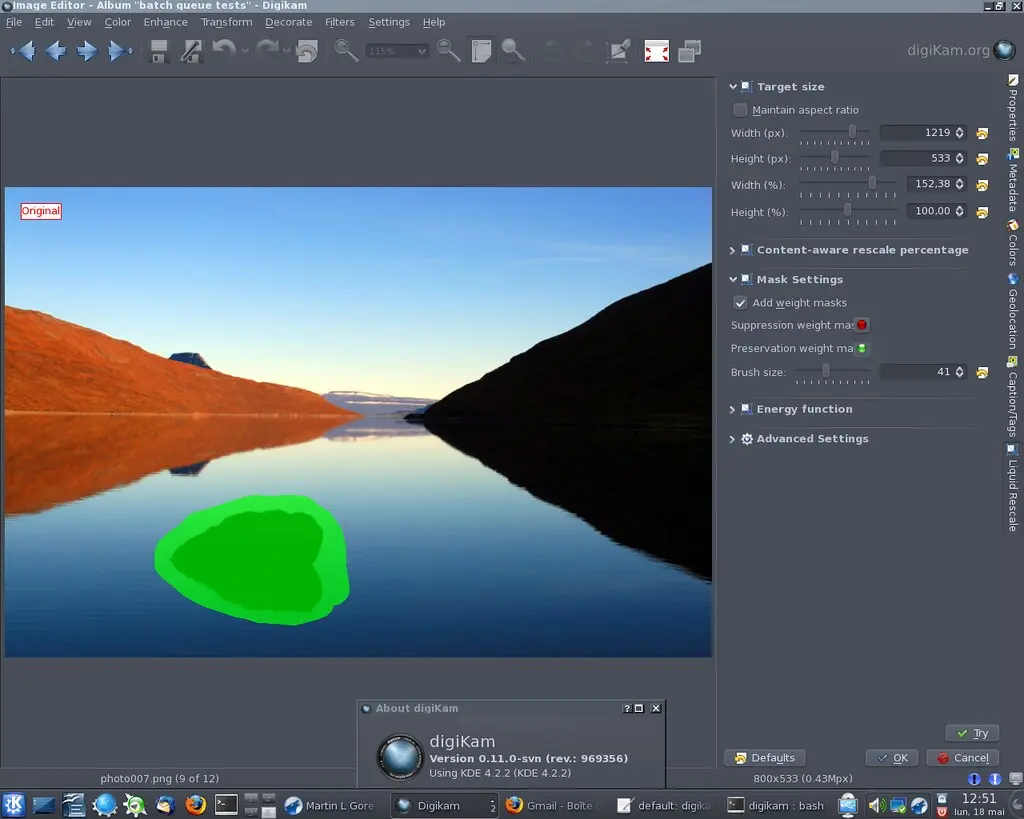
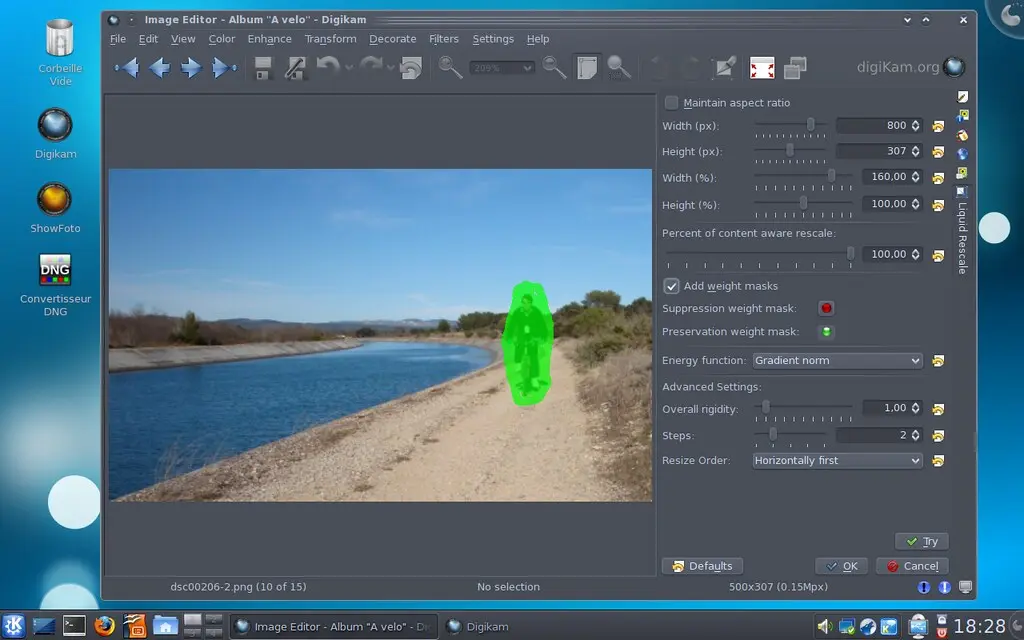
Since few weeks, an active work have been done with Julien Pontabry and Julien Nardoux to solve this bug report.
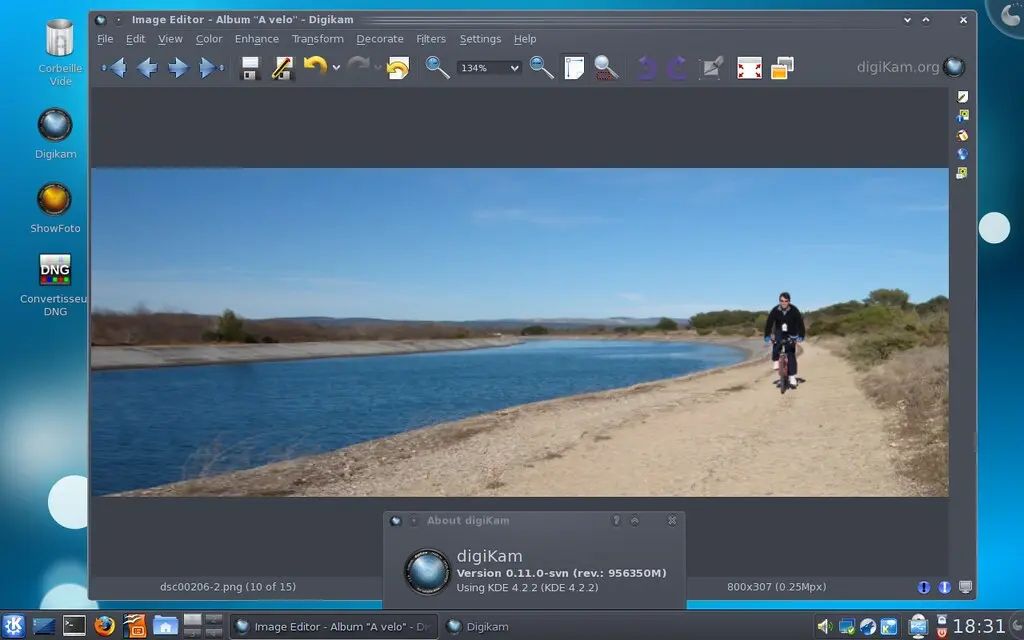
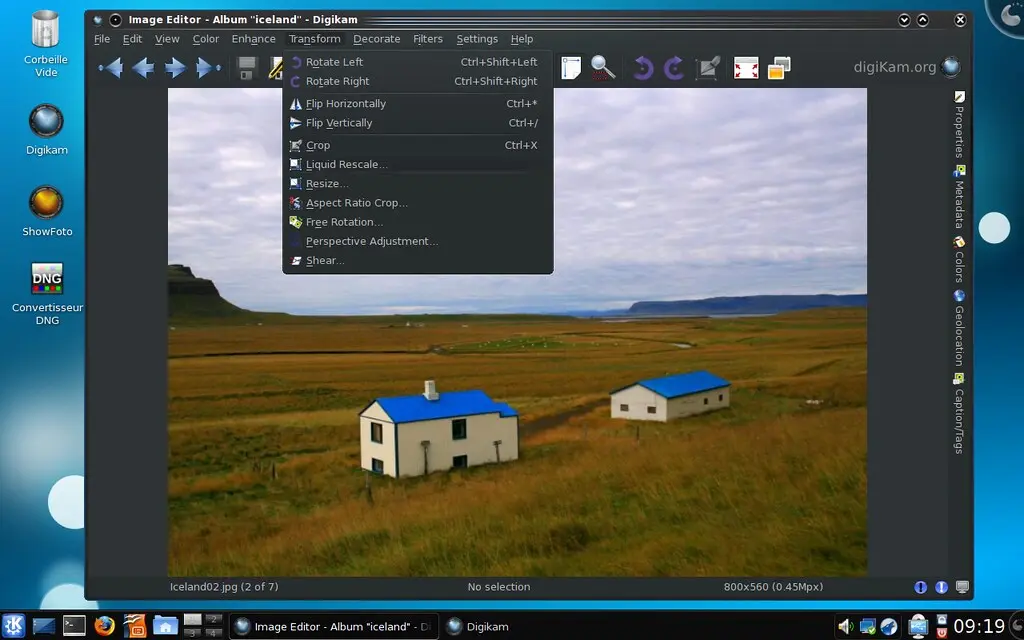
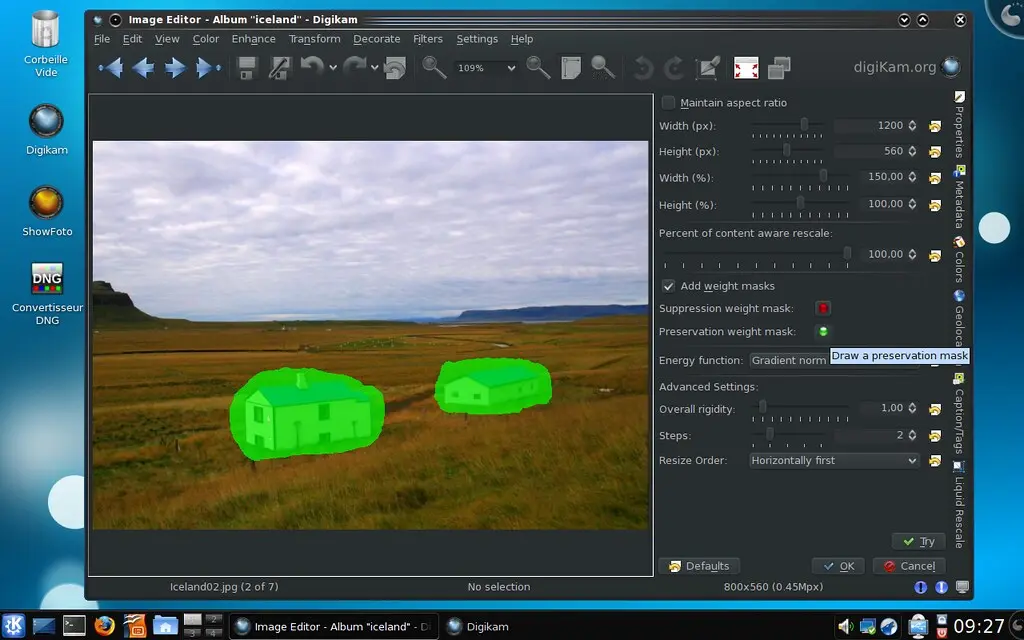
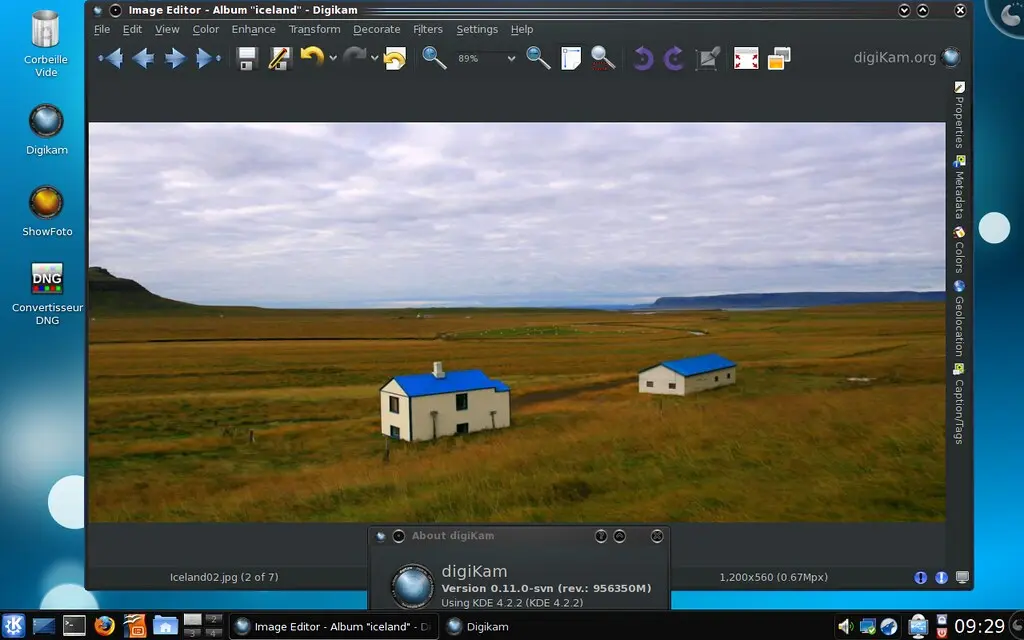
On preview screenshots, you can seen a picture resized horizontally to 150%. A preservation mask in green is drawn over the image part to not touch elements during transformation. see below, another example with two area to preserve:
Look like houses are not deformed when image is scaled up horizontally. All the rest of image contents will be transformed. You can created nice banner for web site with this tool for example. Now, another try with a suppression mask to remove unwanted contents: