The first KDE4 release candidate of digiKam plugins box is out.
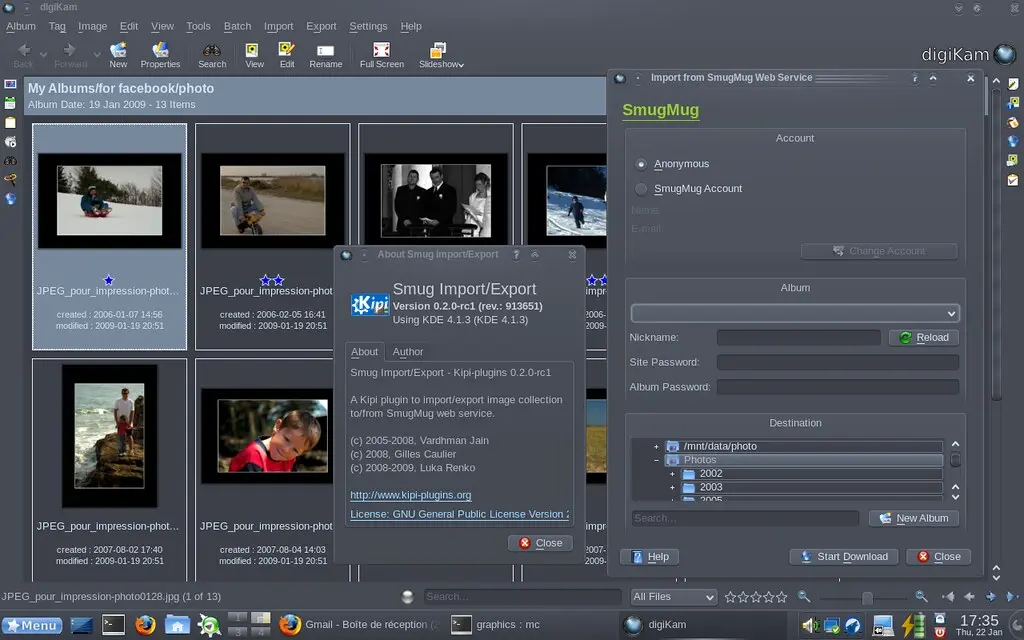
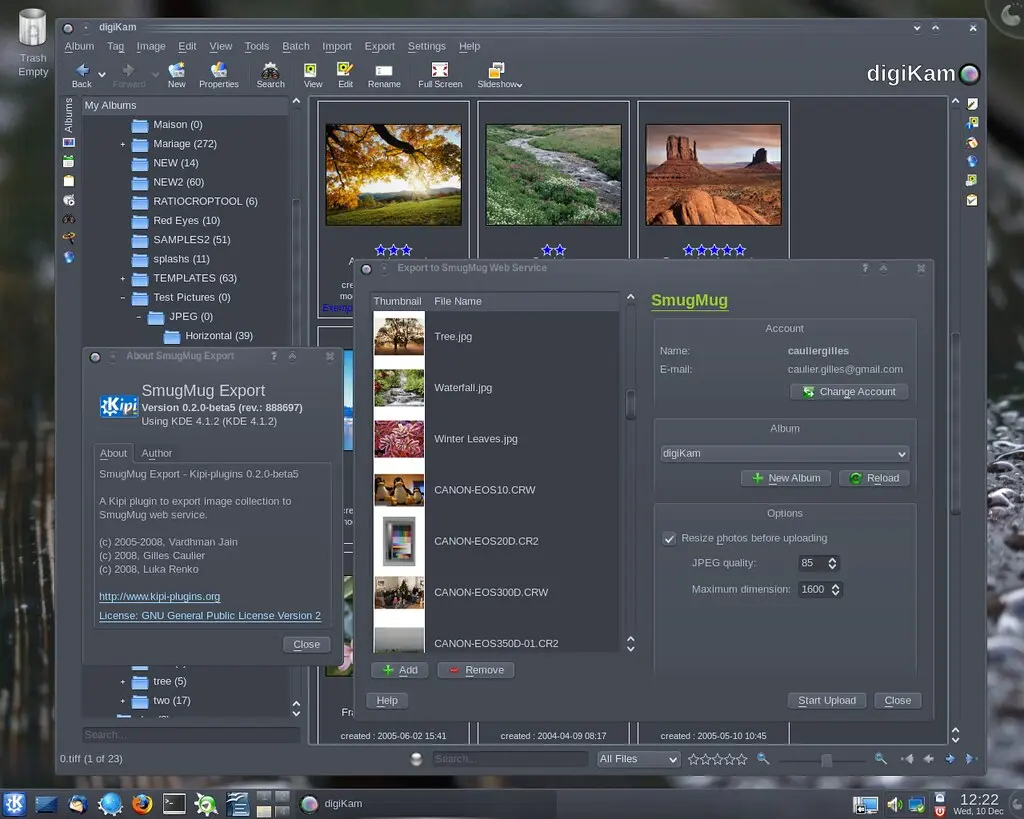
With this new release, Smug tool is now able to import pictures from SmugMug web service to your computer.
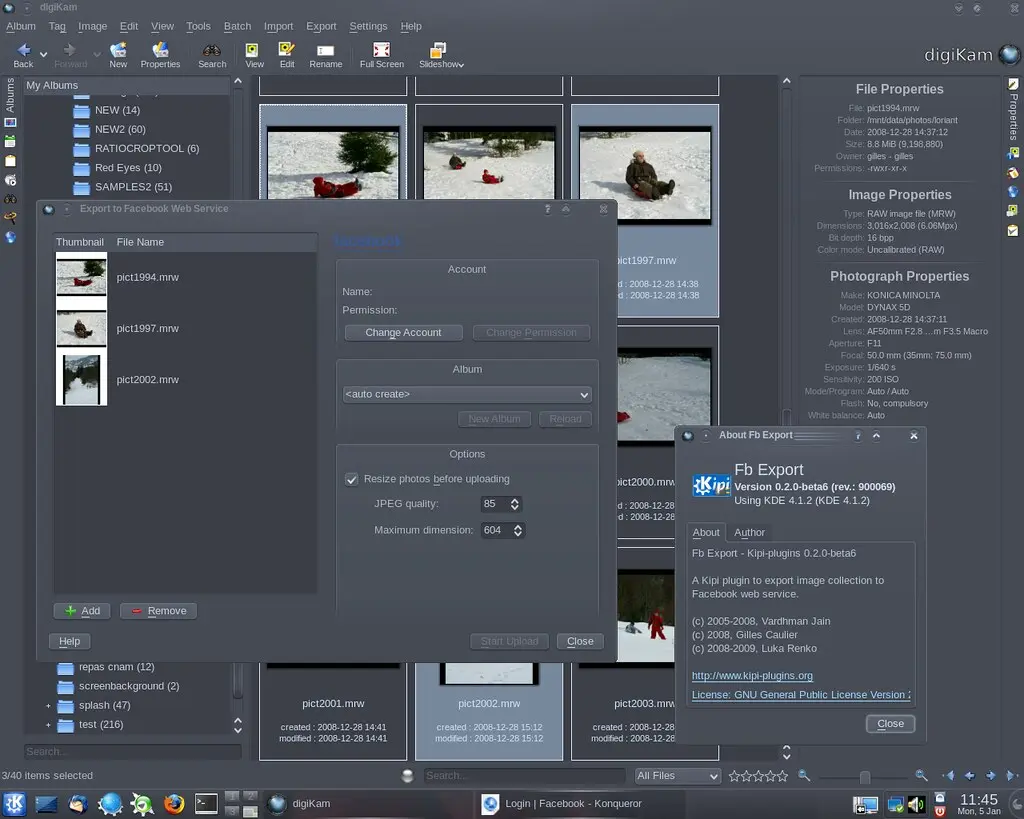
Since beta6, a new plugin named FbExport is dedicated to export images to FaceBook web service.
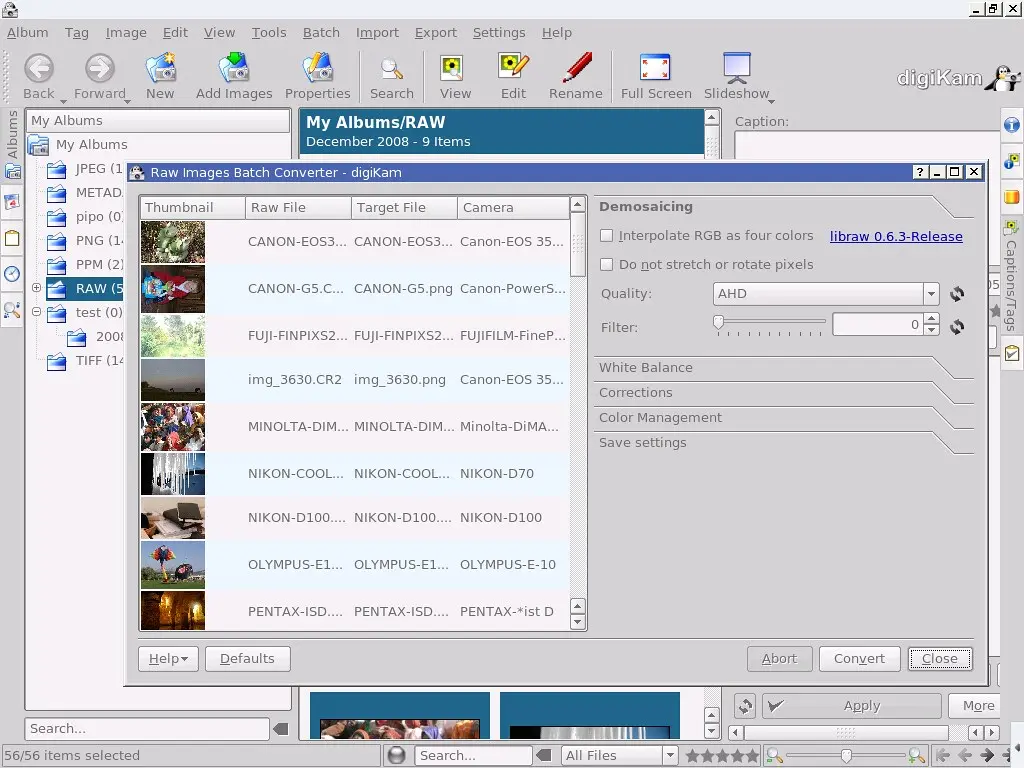
A plugin is available to batch convert RAW camera images to Adobe DNG container (see this Wikipedia entry for details). To be able to compile this plugin, you need last libkdcraw from svn trunk (will be released with KDE 4.2). To extract libraries source code from svn, look at this page for details.
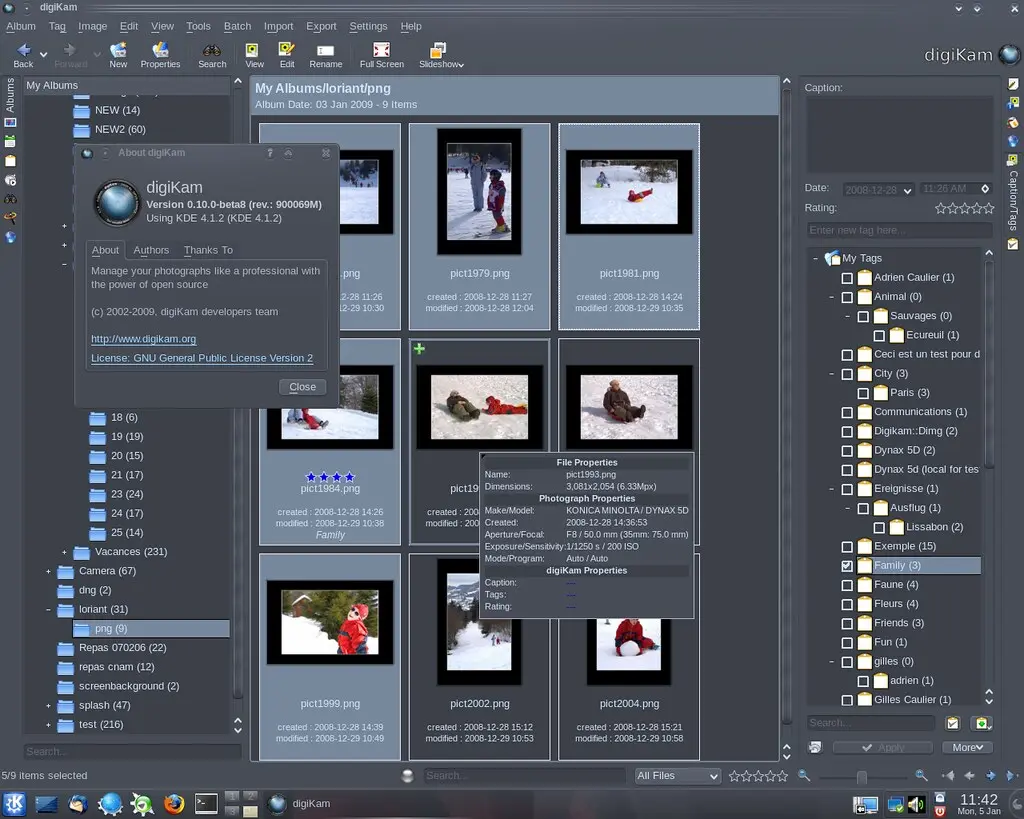
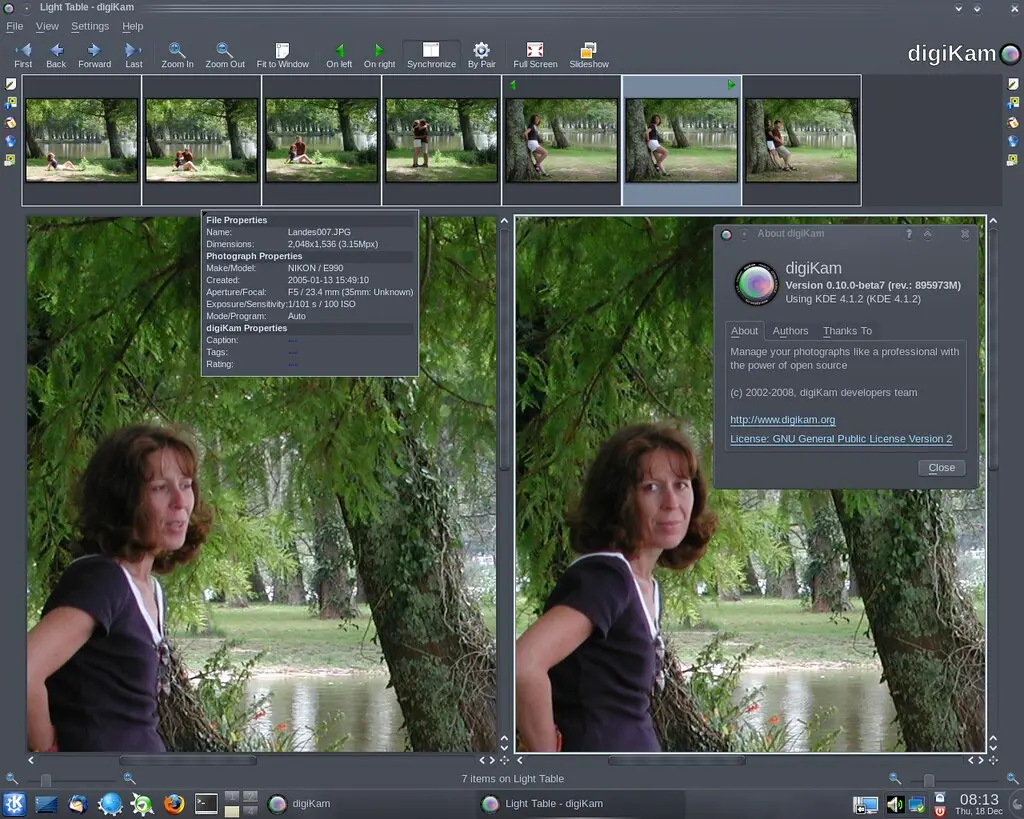
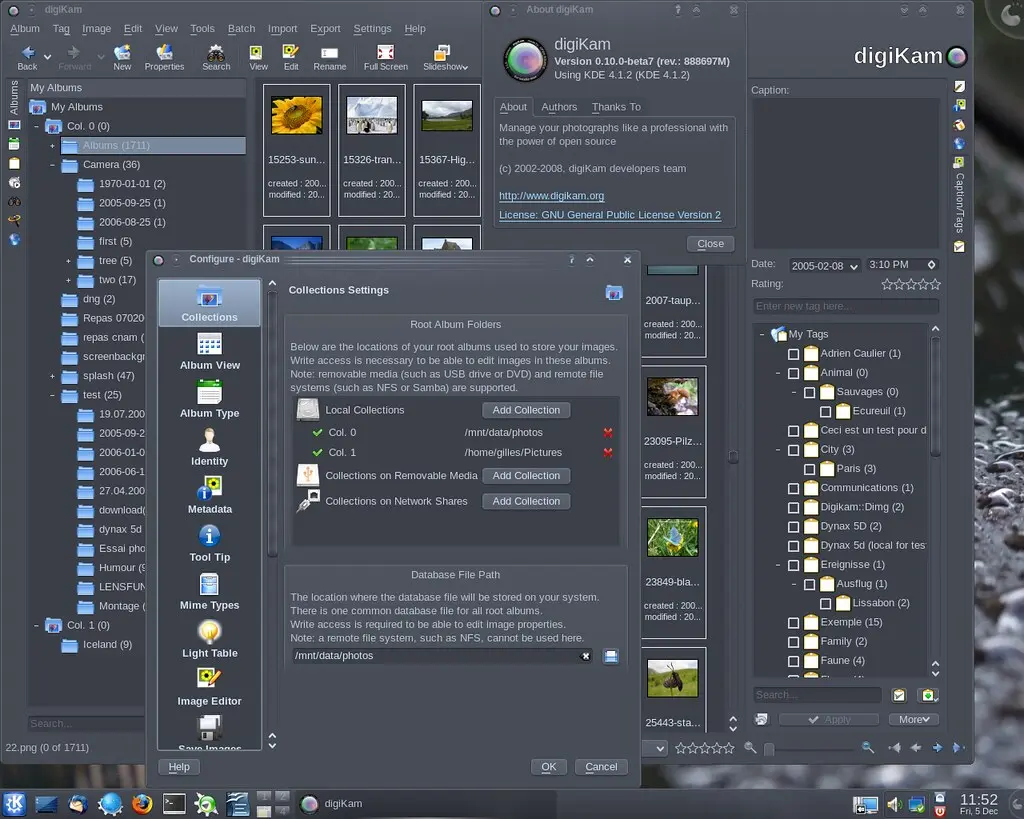
After another bug triage where more than 57 bug reports have been closed since 0.10.0-beta7 release, digiKam development team is happy to release the 8th beta dedicated to KDE4 desktop. The digiKam tarball can be downloaded from SourceForge.
Following release plan, digiKam will switch to release candidates series. We need volunteers to test again and again this version to be able to provide the best release for KDE 4.2. Please time some minutes to test digiKam and report. Thanks in advance...
The 6th KDE4 beta release of digiKam plugins box is out.
With this new release, a new plugin named FbExport is born. It's dedicated to export images to FaceBook web service.
Another plugin dedicated to export images to SmugMug web service is also available since beta5.
A plugin is available to batch convert RAW camera images to Adobe DNG container (see this Wikipedia entry for details). To be able to compile this plugin, you need last libkdcraw from svn trunk (will be released with KDE 4.2). To extract libraries source code from svn, look at this page for details.
After a huge bug triage where more than 120 bug reports have been closed since 0.10.0-beta6 release, digiKam development team is happy to release the 7th beta dedicated to KDE4 desktop. The digiKam tarball can be downloaded from SourceForge.
Following release plan, another beta release will be done next year. We need volunteers to test again and again this version to be able to provide the best release for KDE 4.2. Please time some minutes during your Chrismast holidays to test digiKam and report. Thanks in advance...
The 5th KDE4 beta release of digiKam plugins box is out.
With this new release, a new plugin named SmugExport is born. It's dedicated to export images to SmugMug web service.
A plugin is available to batch convert RAW camera images to Adobe DNG container (see this Wikipedia entry for details). To be able to compile this plugin, you need last libkdcraw from svn trunk (will be released with KDE 4.2). To extract libraries source code from svn, look at this page for details.
Before to close this year, a new digiKam beta release and a new stable kipi-plugins release have be done for KDE3, especially as bug fix and translations updates. Also, shared libraries libkexiv2 and libkdcraw have been updated.
digiKam 0.9.5-beta2 tarball can be downloaded from SourceForge at this url
Kipi-plugins 0.1.7, libkdcraw 0.1.7, and libkexiv2 0.1.8 can be downloaded from SourceForge at this url
Since few days, team works on KDE bugzilla to clean bugs database before to release digiKam 0.10.0-beta7 for KDE4 and digiKam 0.9.5-beta2 for KDE3.
More than 30 files have been closed in 3 days, and less than one quarter of all files have been parsed. Note than digiKam and DigikamImagePlugins component in bugzilla counts around 500 entries.
We need help to review all reports. If you have already file a bug about digiKam, please check if this one still valid to use last KDE3 stable release (0.9.4), or better to try current 0.10.0-beta6 release for KDE4.
The 4th beta release of digiKam plugins box is out.
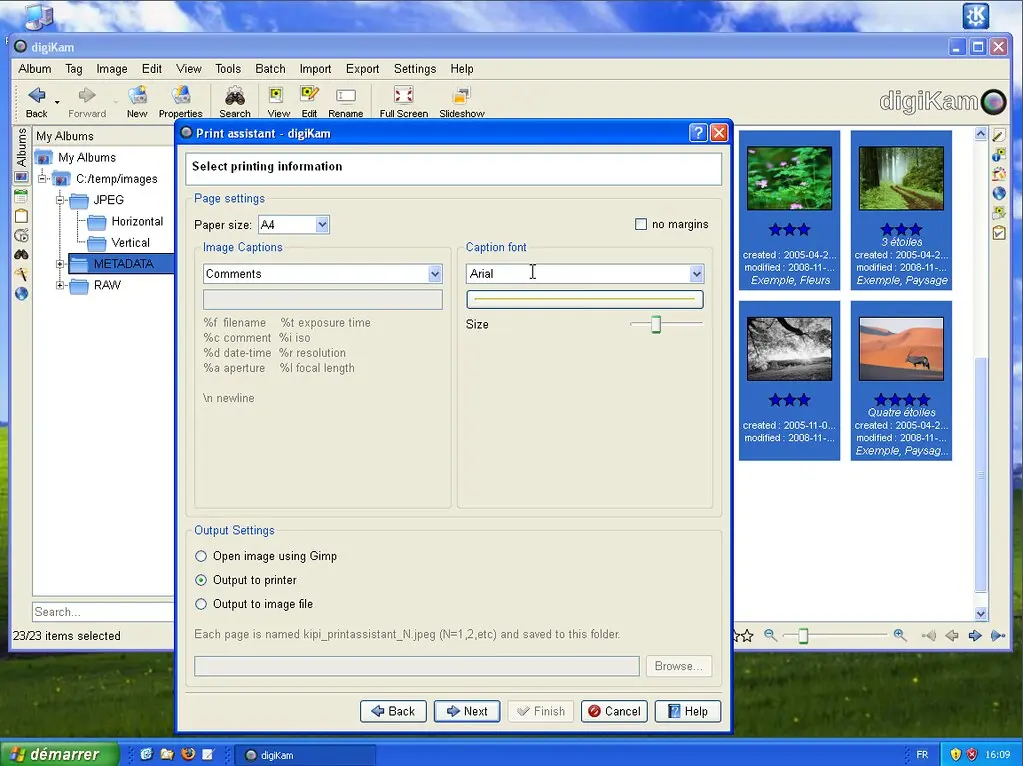
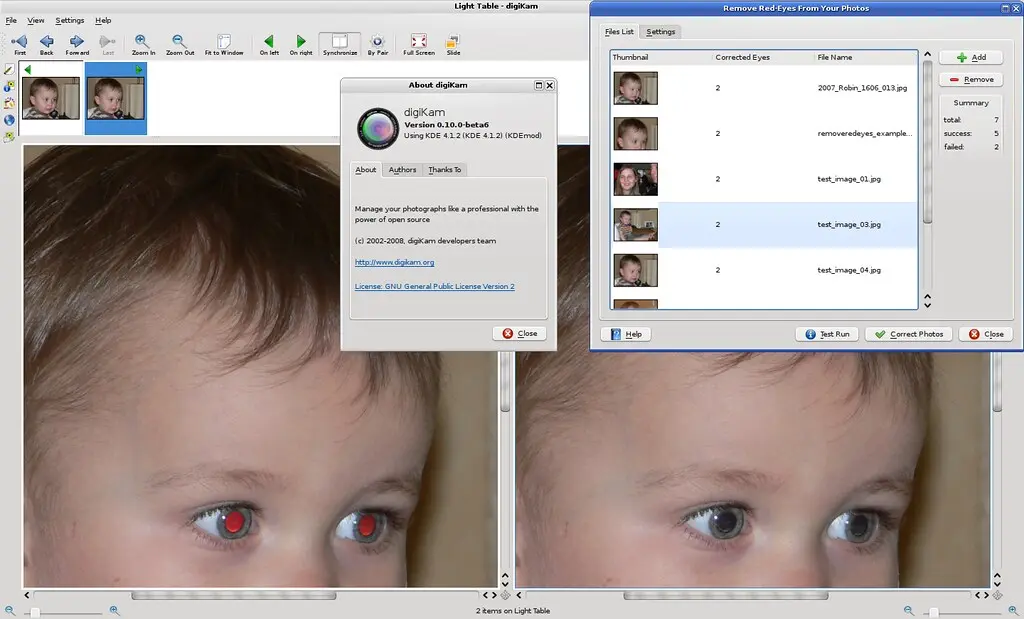
With this new release, Calendar and PrintWizard plugins have been ported to KDE4. Another tool have been added to batch remove red eyes automatically. it's based on OpenCV library.
A plugin is available to batch convert RAW camera images to Adobe DNG container (see this Wikipedia entry for details). To be able to compile this plugin, you need last libkdcraw from svn trunk (will be released with KDE 4.2). To extract libraries source code, look at bottom of this page for details.
The digiKam development team is happy to release the 6th beta release dedicated to KDE4. The digiKam tarball can be downloaded from SourceForge.
Take care, it's always a BETA code with many of new bugs not yet fixed... Do not use yet in production...
KDE3 version still the stable release and have been published this summer.
digiKam is now compilable under Windows using MinGW and Microsoft Visual C++. Precompiled packages are available with KDE-Windows installer. See KDE-Windows project for details.
Some years ago, we had an addition to our family and I took a lot of photos in that time. During the months I had taken nearly 2000 images of the newborn, but most of them had red-eyes on it. This happens quite a lot with little children since their pupils don't close that fast and the light of the camera flash is reflected by the eye.
It always annoyed me to remove the red-eyes by hand, although most image software can do this with a single click in the defective image region. One day I had to correct hundreds of images to sent them to a printing service, and that was the day I decided that I need something that can remove red-eyes all by itself.