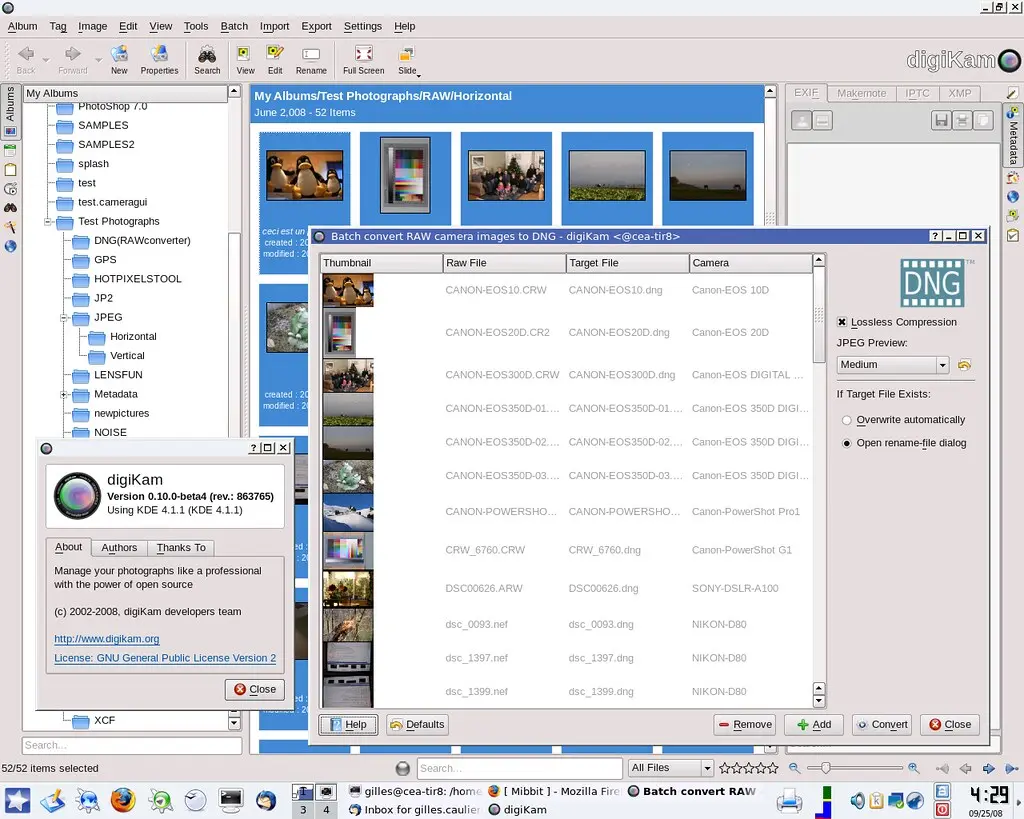
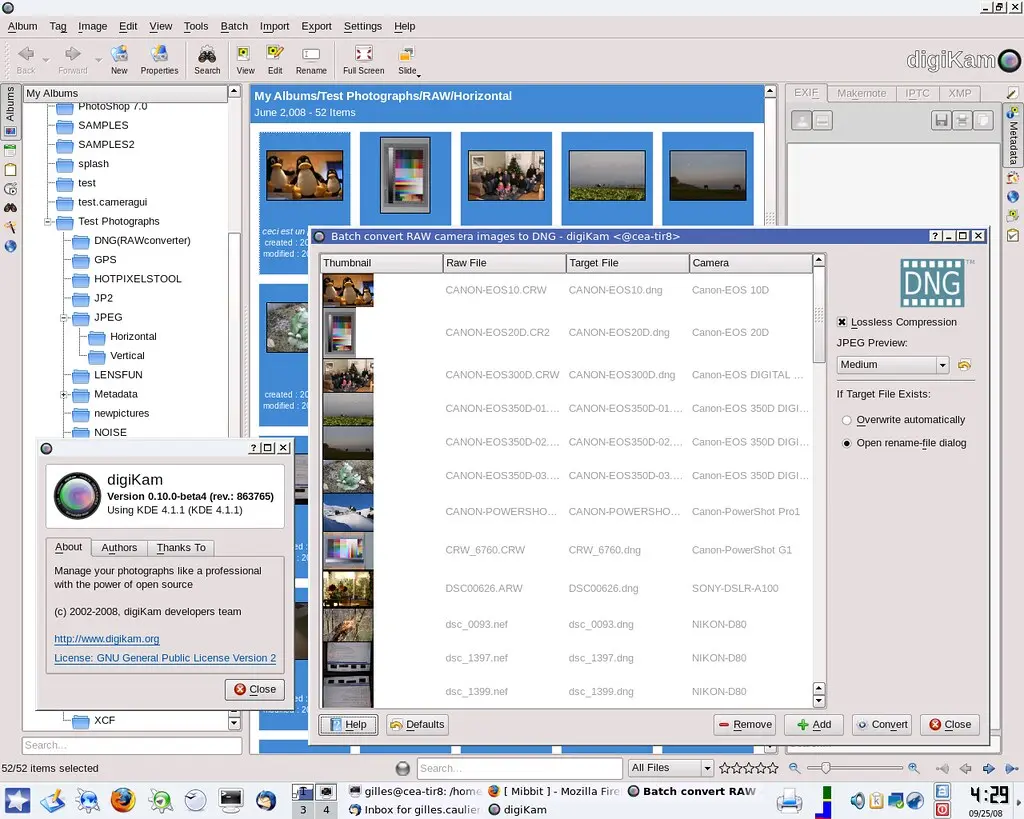
The digiKam development team is happy to start a new series of KDE3 releases. The digiKam 0.9.5-beta1 tarball can be downloaded from SourceForge.
Noteworthy features added since the last stable release include a new RAWImport tool, embedding all image plugin dialogs in editor window, as usual a lot of bug fixes - see below for a complete list of new features and fixed bugs.
General : libkdcraw dependency updated to 0.1.6. Image Editor : All image plug-in tool settings provide default buttons to reset values. Image Editor : New Raw import tool to handle Raw pictures with customized decoding settings. Image Editor : All image plug-in dialogs are removed. All tools are embedded in editor window.
The 3rd beta release of digiKam plugins box is out.
With this new release, Kipi-plugins are now compilable under Windows using MinGW and Microsoft Visual C++. Precompiled packages are available with KDE-Windows installer. See KDE-Windows project for details.
See below the list of new features and bugs-fix coming with this release:
General : Port to CMake/KDE4/QT4. General : all plugins can be compiled natively under Microsoft Windows. JPEGLossLess : XMP metadata support. RAWConverter : XMP metadata support. TimeAdjust : XMP metadata support. MetadataEdit : XMP metadata support with EXIF, IPTC, and Comments editor to sync XMP tags. MetadataEdit : IPTC Editor dialog is more compliant with IPTC.org recommendations. MetadataEdit : IPTC Editor add the capability to set multiple values for a tag. SendImages : Complete re-write of emailing tool. GPSSync : New tool to edit GPS track list using googlemaps. RAWConverter : Raw files are decoded in 16 bits color depth using same auto-gamma and auto-white methods provided by dcraw with 8 bits color depth RAW image decoding. SlideShow : Now filenames, captions and progress indicators can have transparent backgrounds with OpenGL SlideShow as well. SlideShow : Added thumbnails into image list. SlideShow : Now you can play your favourite music during slideshow. DNGConverter : New plugin to convert RAW camera image to Digital NeGative (DNG).
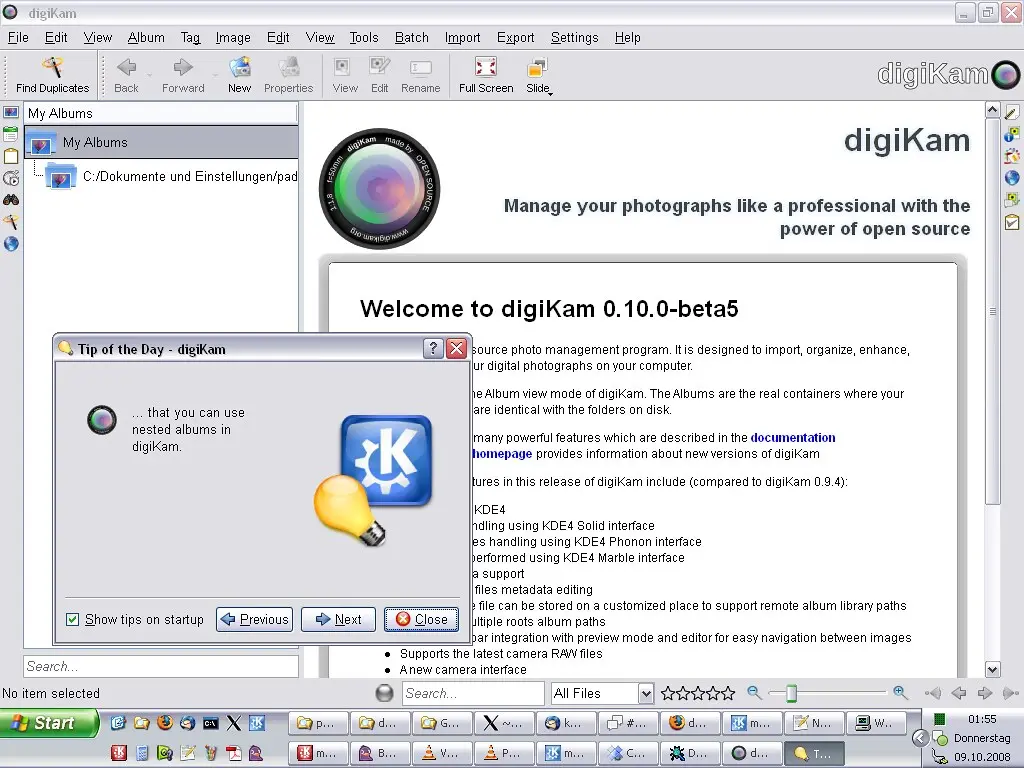
The digiKam development team is happy to release the 5th beta release dedicated to KDE4. The digiKam tarball can be downloaded from SourceForge.
With this new release, digiKam is now compilable under Windows using MinGW and Microsoft Visual C++. Precompiled packages are available with KDE-Windows installer. See KDE-Windows project for details.
Take care, it's always a BETA code with many of new bugs not yet fixed... Do not use yet in production...
Kipi-plugins 0.1.6 for KDE3 has been just released. The tarball can be downloaded from SourceForge at this url.
This release will be the last one for KDE3 desktop. The team will concentrate work to KDE4 code where few plugins are not yet ported
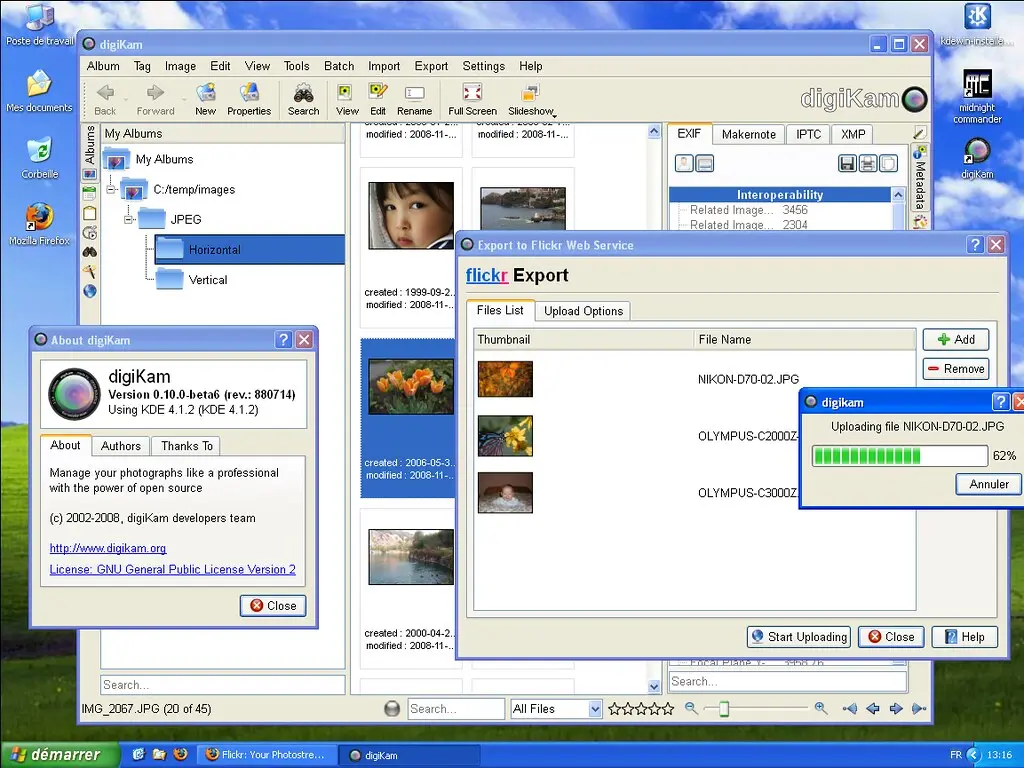
This release include severals fix for Flickr and PicasaWeb export plugins. See below the list of new features and bugs report closed:
FlickrExport : dialog layout re-written to be more suitable. FlickrExport : list of item to upload is now display in dialog. FlickrExport : Support RAW files format to upload as JPEG preview. PicasaWebExport: Support RAW files format to upload as JPEG preview.
This is an important stage for digiKam project. A native port under Microsoft Windows...
Since digiKam code has been ported to Qt4/KDE4, multi-platform support become a reality. We have already a MACOS-X port done by Gustavo Boiko from Mandriva team... Now, Windows port have been completed by Patrick Spendrin from KDE-Windows team
To be able to compile digiKam under Windows, GPhoto2 support is become optional, because libgphoto2 is not yet ported to this operating system. Perhaps in the future, this will change, but for the moment, it's not the case... Of course under Linux and MACOS-X, GPhoto2 support still here.
The digiKam development team is happy to release the 4th beta release dedicated to KDE4. The digiKam tarball can be downloaded from SourceForge.
Take care, it's always a BETA code with many of new bugs not yet fixed... Do not use yet in production...
KDE3 version still the stable release and have been published this summer.
To compile digiKam for KDE4, you need libkexiv2, libkdcraw, and libkipi for KDE4. These libraries are now included in KDE core but for the moment, digiKam require libkdcraw and libkexiv2 from svn trunk to compile fine (These versions of libraries will be released with KDE 4.2). To extract libraries source code, look at bottom of this page for details
To prepare the future Coding Sprint with kipi-plugins developers, a second beta release of digiKam plugins box is out.
See below the list of new features and bugs-fix coming with this release:
General : Port to CMake/KDE4/QT4. JPEGLossLess : XMP metadata support. RAWConverter : XMP metadata support. TimeAdjust : XMP metadata support. MetadataEdit : XMP metadata support with EXIF, IPTC, and Comments editor to sync XMP tags. MetadataEdit : IPTC Editor dialog is more compliant with IPTC.org recommendations. MetadataEdit : IPTC Editor add the capability to set multiple values for a tag. SendImages : Complete re-write of emailing tool. GPSSync : New tool to edit GPS track list using googlemaps. RAWConverter : Raw files are decoded in 16 bits color depth using same auto-gamma and auto-white methods provided by dcraw with 8 bits color depth RAW image decoding. SlideShow : Now filenames, captions and progress indicators can have transparent backgrounds with OpenGL SlideShow as well. SlideShow : Added thumbnails into image list. SlideShow : Now you can play your favourite music during slideshow. DNGConverter : New plugin to convert RAW camera image to Digital NeGative (DNG).
A coding sprint is planned to Genoa - Italy by me and Angelo Naselli. The goal of this event is to improve KDE4 digikam and kipi-plugins code.
The event dates are set from 31 october to 2 november. We will hosted by ALID Association which will provide a room with internet connection. The event will be sponsored by KDE-ev.
Peoples who will contribute to this events are:
Marcel Wiesweg (digiKam)
Angelo Naselli (kipi-plugins)
Kåre Särs (kipi-plugins)
Aurélien Gâteau (kipi-plugins)
Vardhman Jain (kipi-plugins)
Colin Guthrie (kipi-plugins)
Andrea Diamantini (kipi-plugins)
Valerio Fuoglio (kipi-plugins)
I you want to meet us during this event, you are welcome. ALID Association is located at Genoa, Via Giovanni Torti, 35. See the map given below:
For a long time, many people asked me to implement a RAW camera image converter to Digital NeGative (DNG). Why should one support DNG under Linux? To improve interoperability with other photo-management programs such as Adobe tools, and to improve Digital Asset Management (DAM), as Gerhard Kulzer discusses in this nice tutorial and in particular in Part 2.
I have already talked about DNG in another ticket. My first viewpoint about DNG SDK from Adobe has been wrong: missing tutorials, weird API documentation, wrong source code licence, etc... But after having found this nice web site from Barry Pearson which provides a huge collection of papers about DNG, I had a second look at the DNG SDK.